Supernova launcher offers Nova Launcher alternative without trackers or subscriptions
Supernova is an open-source home screen that replicates Nova Launcher's customization without internet permissions, trackers, or paid features. It installs via F-Droid rather than the Play Store.
Key takeaways
- Supernova launcher is open-source and installs via F-Droid, not the Play Store
- It replicates Nova Launcher's core customisation without trackers, ads, or subscription fees
- The launcher lacks deep search capabilities such as Sesame Search integration
- Rapid development means frequent updates but potential instability for daily use
In this article
What Supernova offers
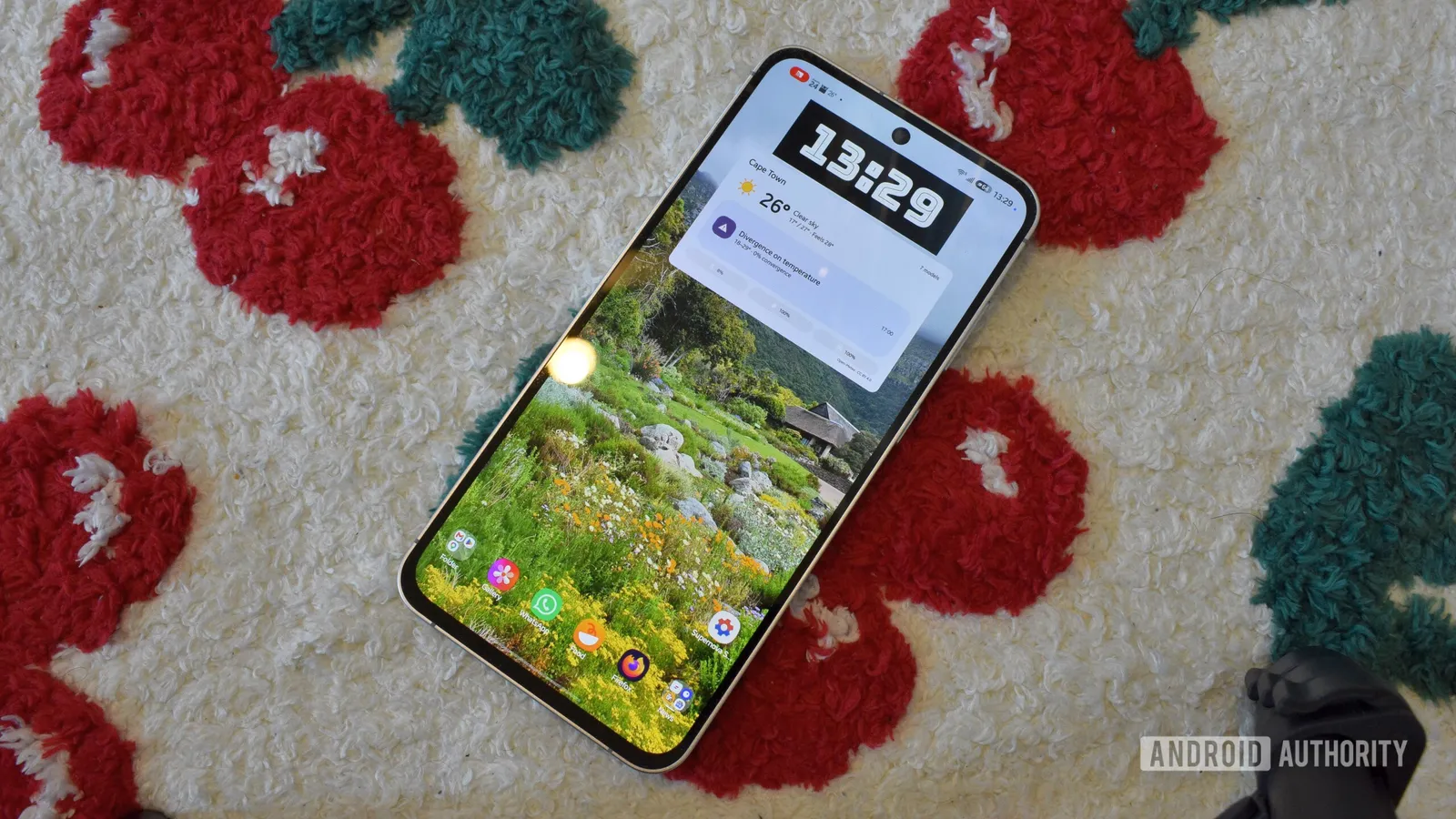
Supernova launcher is an open-source home screen application designed to replicate the core experience of Nova Launcher without the ownership changes, trackers, or artificial intelligence features that have concerned some users. According to Android Authority, the app requests no internet permissions, which means it cannot serve advertisements, collect usage data, or connect to AI services. All customization features are available free of charge, with no subscription tier locking advanced options.
How to install Supernova
Supernova launcher is not distributed through the Google Play Store. Instead, the developer publishes the app on F-Droid, an independent repository for free and open-source Android software. Users can install the official F-Droid client or a variant such as F-Droid Basic, search for Supernova within the catalogue, and tap Install. Updates are handled through the same F-Droid interface, either by using the Update all button in the My apps tab or by opening the Supernova page and selecting Update.
How it compares to Nova Launcher
Supernova mirrors Nova Launcher's dense grid layout, gesture system, and feed page that supports third-party widgets, a built-in calendar, and a Now Playing widget. Customisation extends to element colours, widget padding, and popup menus. The author recreated a multi-screen setup with clock, weather, and news widgets in a few hours. However, Supernova lacks deep search integration. Nova Launcher works with Sesame Search to surface settings, playlists, emails, and documents from the search bar, while Supernova's search remains limited to apps and basic shortcuts.
Current state and considerations
The project is in a rapid development phase, which brings frequent improvements but may affect stability for users who prefer a settled home screen. Because the source code is publicly available, anyone can inspect the app's behaviour or contribute bug reports and feature requests directly. This transparency contrasts with Nova Launcher's closed development model. For users who valued Nova's earlier simplicity and are willing to manage updates through F-Droid, Supernova presents a close functional match without recurring costs or data collection.
Sources
Spotted a mistake? See our corrections policy. Read how News by OnDevice works in our editorial policy.
Related news
More Android news
Google Play app deals cut Wind Peaks and 9th Dawn prices mid-week
A fresh round of Google Play discounts covers Wind Peaks, Box Head, both 9th Dawn RPGs and WINCH IT OUT, according to 9to5Google's deals roundup.
Google Voice shows first signs of RCS support in app teardown
A teardown of the latest Google Voice Android app reveals early code pointing to RCS messaging, though nothing is live and Google has not confirmed anything.
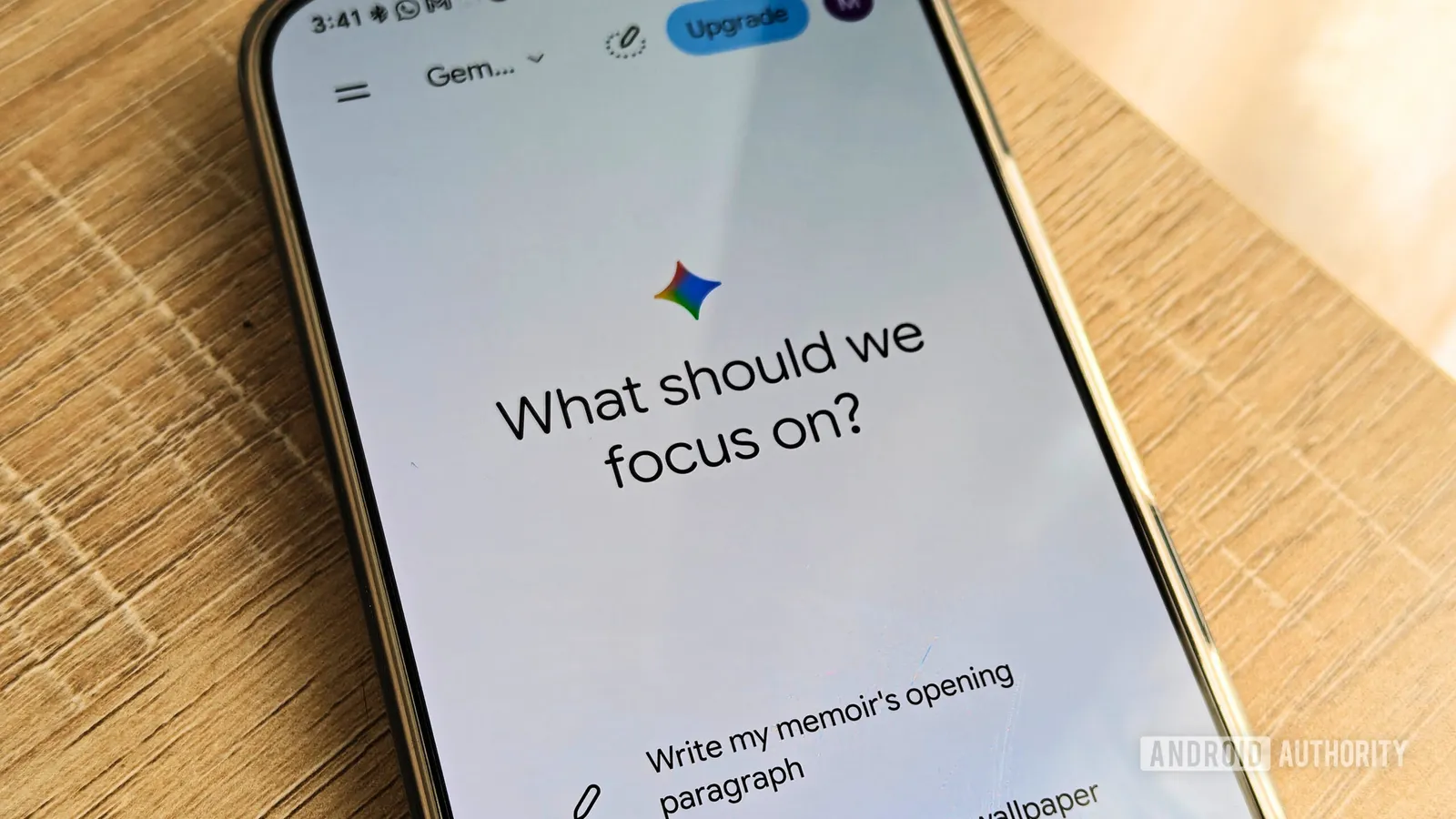
Gemini Memory summary lets you see and delete what the AI knows
Google's Memory summary gathers everything Gemini has stored about you into one page, making it easier to edit or remove details. The feature is rolling out through the Gemini web app and Android app.
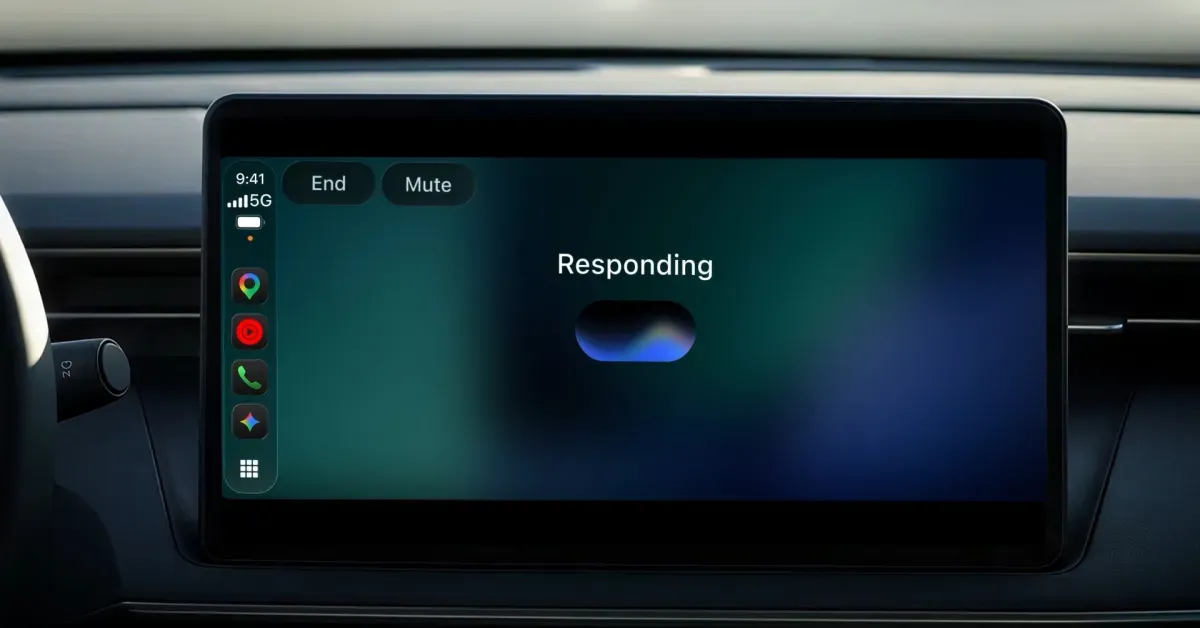
Gemini app for CarPlay rolls out globally to iPhone users
Google is bringing its Gemini app to CarPlay, letting iPhone owners talk to Gemini Live while driving, with conversations syncing back to the phone app.