Meta Muse AI agent now runs on Wear OS watches
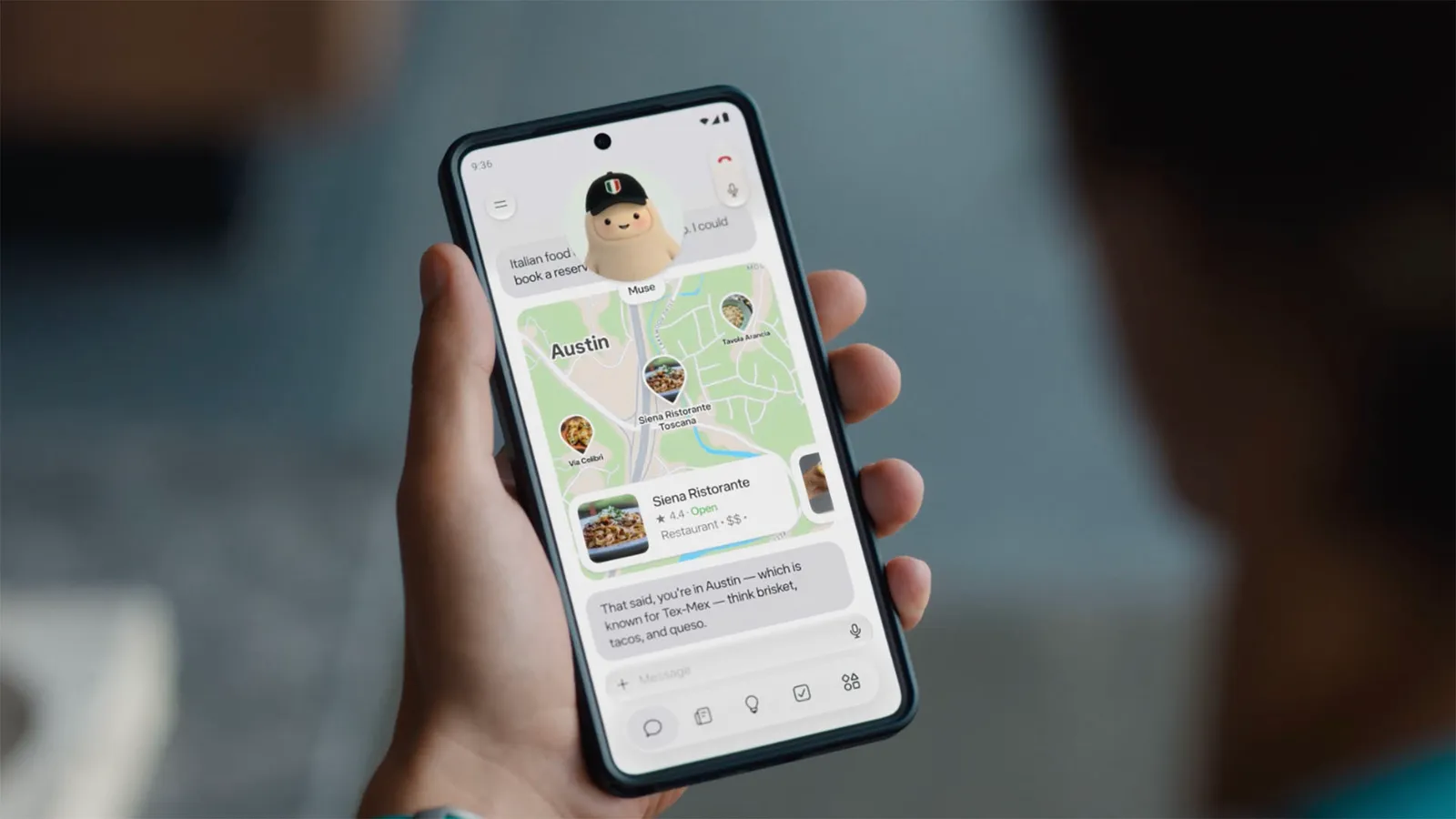
Meta has released a Wear OS companion for its Muse AI agent, allowing smartwatch owners to start tasks and approve actions from the wrist while the heavy processing stays on the phone.
Key takeaways
- Meta Muse AI agent is now accessible on Wear OS watches via a companion app.
- The watch serves as a control hub; all AI processing remains on the phone.
- Users can interact by text, dictation or voice chat on the wrist.
- Payment authorisation on the watch is still unconfirmed.
In this article
How the app works on Wear OS
The new Wear OS app acts as a remote control for the Muse AI agent. The colourful mascot fills most of the watch screen, mirroring the design Meta previewed for its upcoming Charm wearable. Users can launch tasks, view progress and approve actions directly from the wrist.
Phone dependency and task approval
The AI agent does not run natively on the watch. All computation happens on the paired phone, and the watch simply relays commands and shows updates. This means the phone must be nearby and connected for the agent to function.
Voice and text input options
Three input methods are available on the watch: typing, dictation and a voice chat mode similar to Gemini Live. Apple Watch users also receive a custom complication for quick access, while Wear OS does not yet have an equivalent shortcut.
Payments and future clarification
Muse can execute payments on behalf of the user, but Meta has not confirmed whether a transaction can be authorised entirely on the watch or if phone confirmation will still be required. Further details are expected from Meta.
Sources
- Your Wear OS watch can now run Meta’s Muse AI agentAndroid Authority
Spotted a mistake? See our corrections policy. Read how News by OnDevice works in our editorial policy.
Related news
More Android news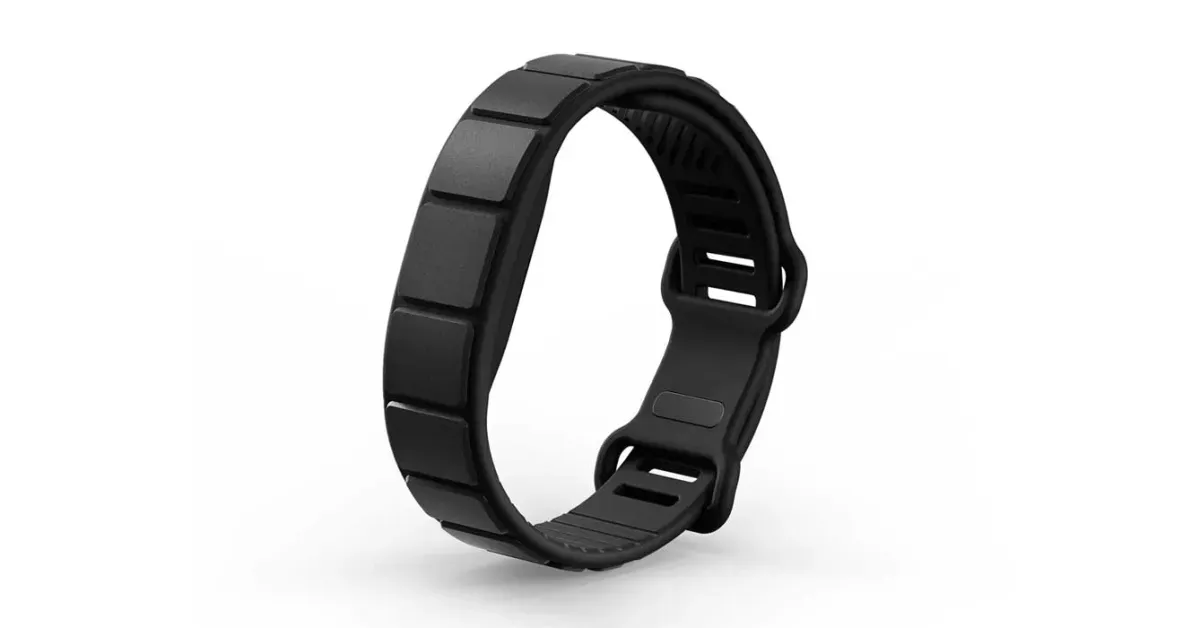
Dbrand's Pulse band becomes first Made for Google strap for Fitbit Air
Dbrand has launched the Pulse, the first official third-party strap for the Fitbit Air, priced from $34.95 and available in black. It is made of sweat-resistant silicone with molded ventilation channels.
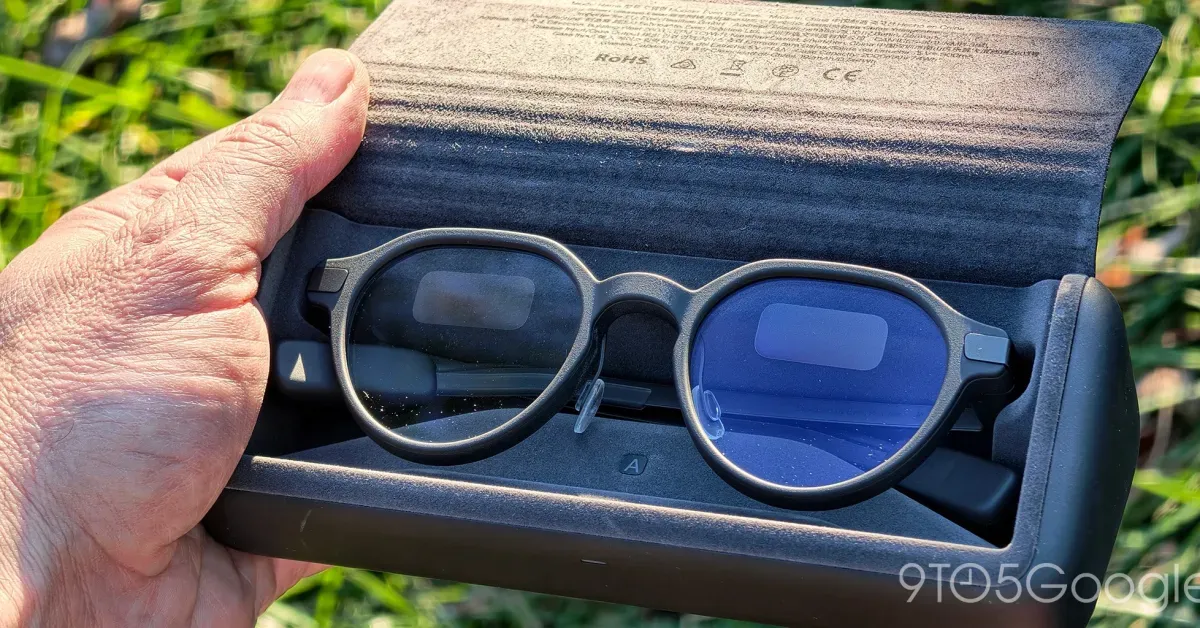
Even Realities opens its G2 smart glasses to enterprise developers
Even Realities has released its first Enterprise SDK, letting companies build workplace tools for the G2 glasses after the device captured 11% of the AR glasses market in September.
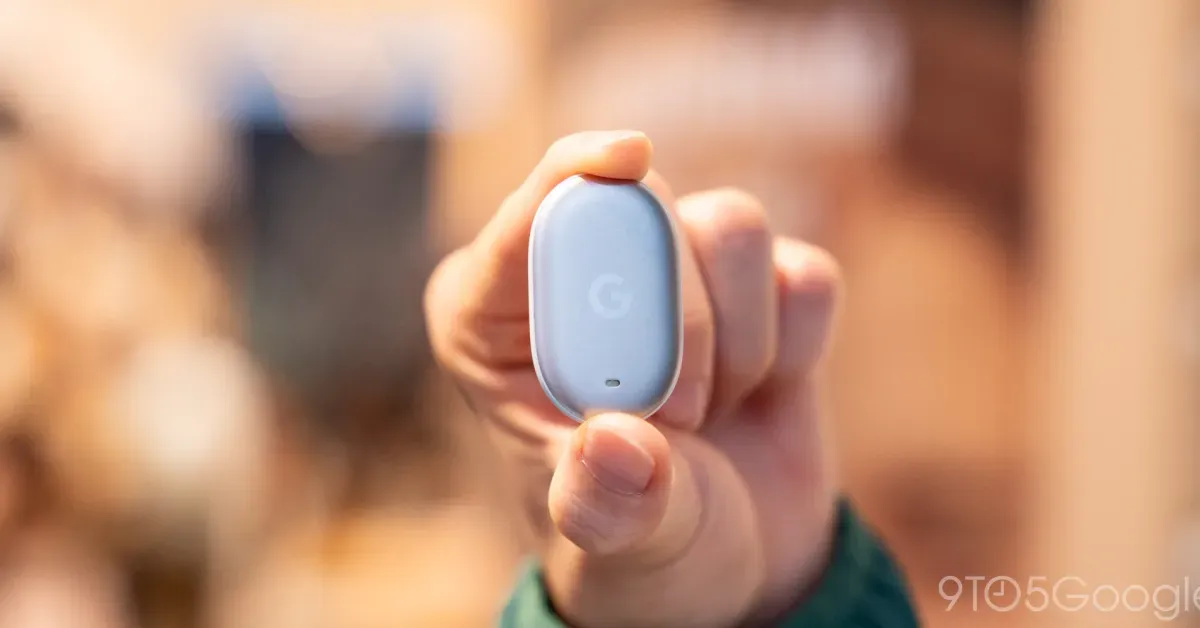
Pixel Tag goes on sale for $29.99 with Bellroy and Spigen cases
Google's Find Hub tracker is now available from the Google Store and Amazon, with a four-pack offered at a discount and four Made for Google accessories alongside it.
GrapheneOS port for Pixel 11 is nearly done with promising performance
The GrapheneOS team says its port for Pixel 11 phones is almost complete, with Memory Tagging Extensions support arriving via Android 17 QPR2 and performance described as more than good enough.