Pixel Tag battery replacement: how to swap the CR2032
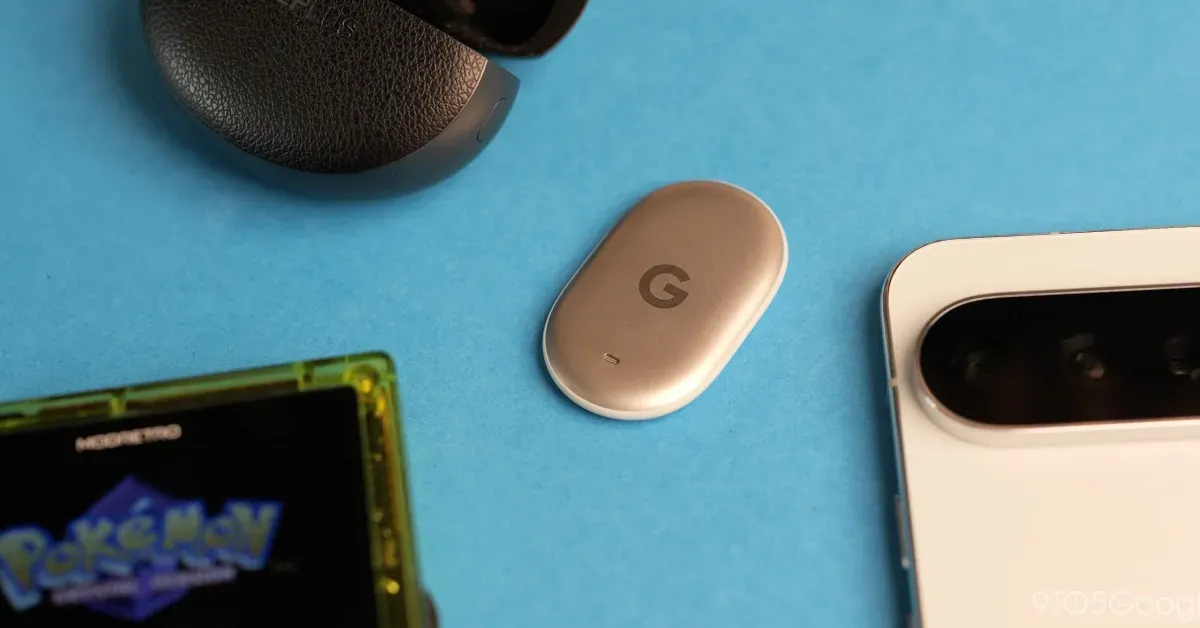
Google's Pixel Tag runs on a standard coin cell rated for about a year. A 9to5Google walkthrough explains how to twist off the backplate and reseat the battery if Find Hub loses track of the tracker.
Key takeaways
- The Pixel Tag's battery is rated for about a year and takes a standard CR2032 coin cell.
- 9to5Google recommends twisting the backplate anticlockwise with two thumbs rather than trying it one-handed.
- The factory seal makes the first opening harder; later swaps are easier.
- If Find Hub does not recognise the tag after a swap, reopen it and reseat the battery and backplate.
In this article
A twist, not a pry
The Pixel Tag's battery is rated to last roughly a year, and when it runs out the swap is meant to be simple, according to 9to5Google. The catch is the tracker's smooth, rounded shell, which makes the backplate awkward to grip and turn quickly.
The method 9to5Google describes avoids prying. Hold the tag with one thumb at the base or around the middle of the frame, then use the other thumb to twist the backplate anticlockwise until it loosens. The battery should then drop out on its own.
Doing it one-handed is likely to be frustrating, the outlet notes. The first attempt is also the stiffest, because the factory seal is tight, but the cover becomes easier to remove once it has been opened once.
The right coin cell
The Pixel Tag takes a CR2032, the same coin cell used in watches and most Android trackers, 9to5Google reports. That makes replacements inexpensive and widely available, with the outlet pointing to multipacks from Amazon Basics, Duracell and unbranded sellers at low prices.
Keeping a spare on hand is a practical step for anyone relying on the tracker, since the cell will eventually need changing. The Pixel Tag itself is sold through Amazon and the Google Store, according to the same report.
When Find Hub loses the tag
Reassembly is where things can go wrong. 9to5Google warns that Find Hub may fail to recognise the Pixel Tag after a battery change, in which case the fix is to open the tracker again and reseat the cell.
The cause is alignment: if the battery is not sitting in the correct position, or the backplate is not fully closed, the tag can misbehave even with the battery Google shipped in the box. Checking both before assuming the tracker is faulty is the sensible first step.
Why the small details matter
Bluetooth trackers are only useful while they have power, and a dead tag is invisible to the Find Hub network until someone replaces the cell. A documented procedure for opening the case gives owners a reference when the smooth design defeats them.
The Pixel Tag sits in a crowded tracker market, and 9to5Google has covered accessories from Bellroy and Spigen as well as how the Find Hub app handles Left Behind and Ring your phone alerts. Battery replacement is the least glamorous part of that ecosystem, but it is the one every owner will eventually face.
Sources
Spotted a mistake? See our corrections policy. Read how News by OnDevice works in our editorial policy.
Related news
More Android news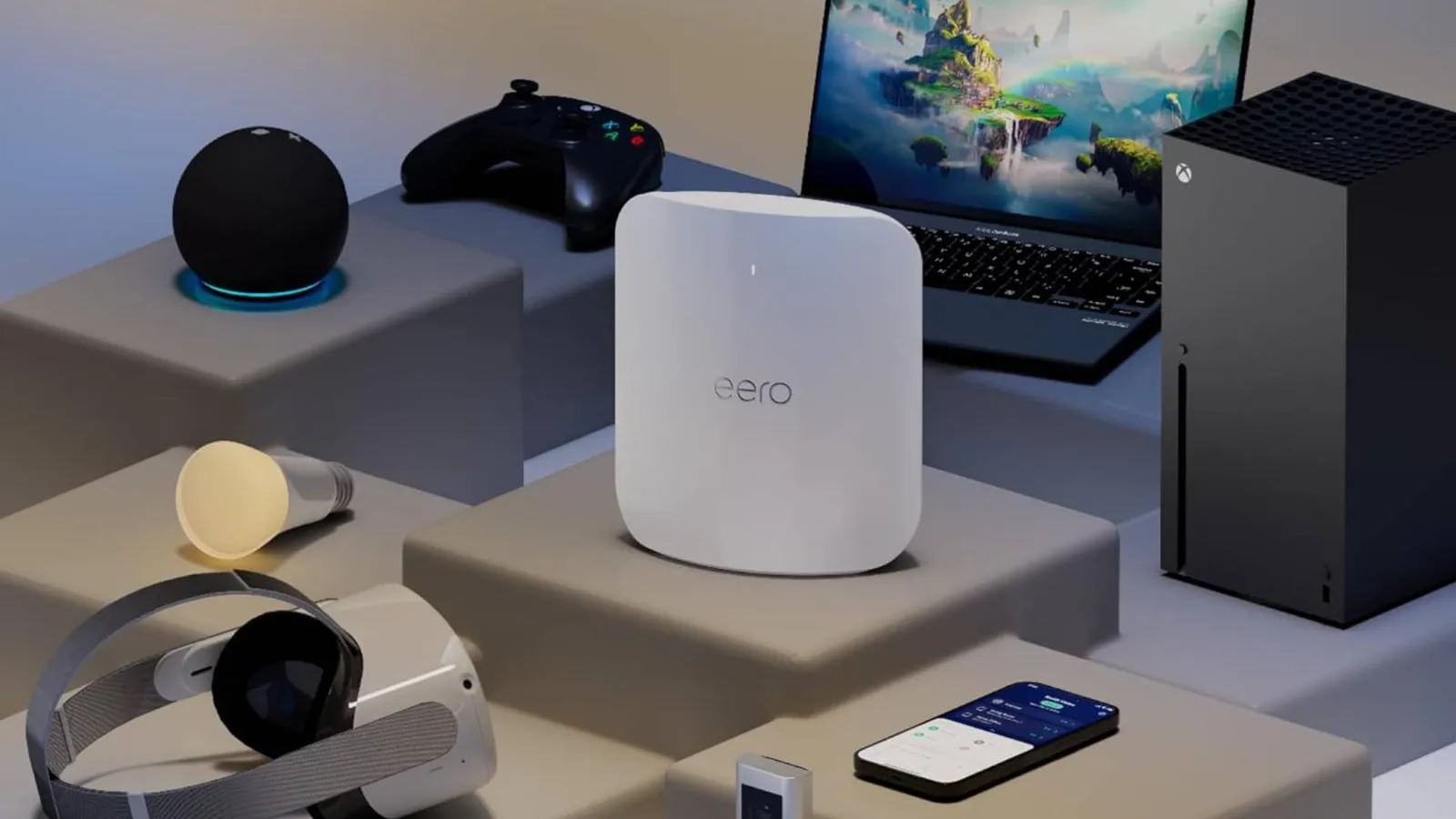
Amazon eero Max 7 falls to $419.99, matching its lowest price
The tri-band Wi-Fi 7 mesh router is 30% off its $599.99 list price on Amazon, and the multi-pack bundles carry the same discount.
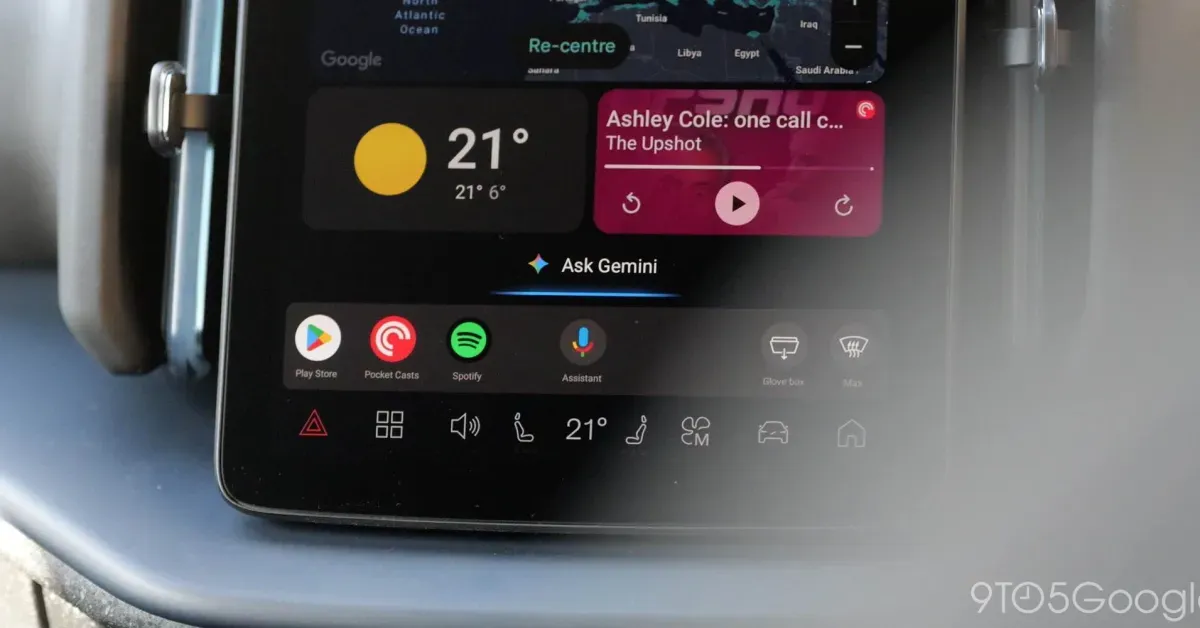
Android Auto gets Gemini proactive suggestions, but only on Pixel phones
Google has confirmed that Gemini on Android Auto will soon offer proactive, personalised suggestions, limited for now to Pixel phones running Gemini Intelligence. The feature is exclusive to the Pixel 10 and Pixel 11 series.
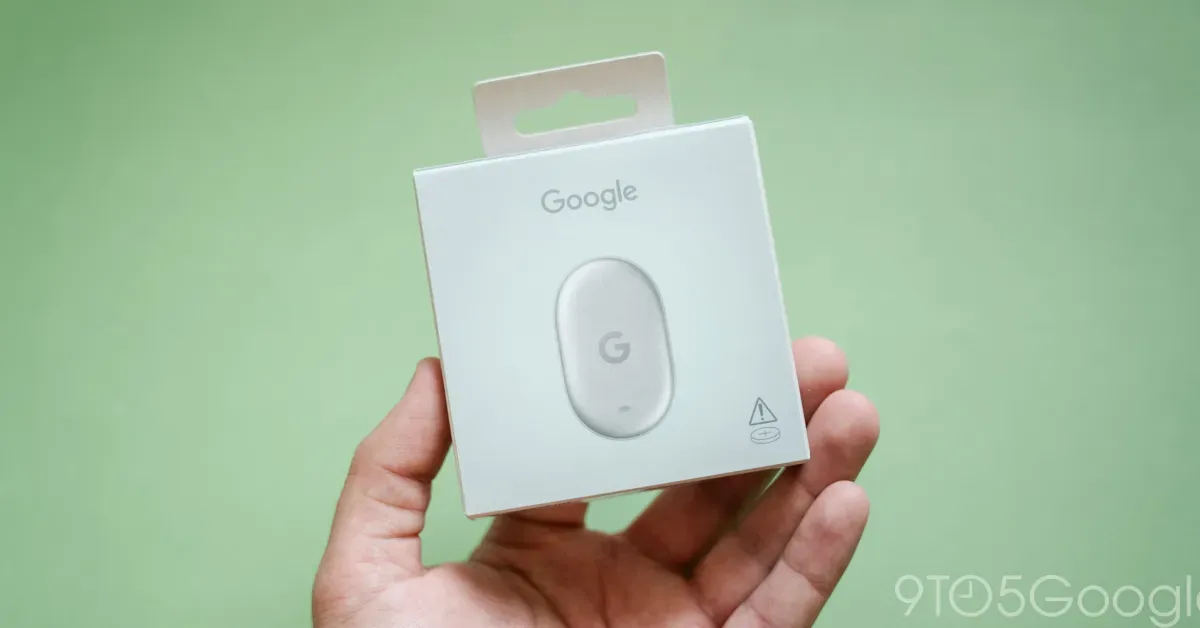
Google Pixel Tag launches in just 8 countries, leaving out Europe
Google has confirmed the Pixel Tag tracker will be sold in only eight countries at launch, far fewer than its Pixel 11 phones and Pixel Watch 5. Most of Europe is excluded, with the UK the only regional exception.
Google Home restores classic timer sounds for Gemini, but smart home chimes change
Google Home and Nest speakers are bringing back familiar Google Assistant timer sounds for Gemini, but the confirmation sound for smart home commands is different and some users find it confusing.