Google Home restores classic timer sounds for Gemini, but smart home chimes change
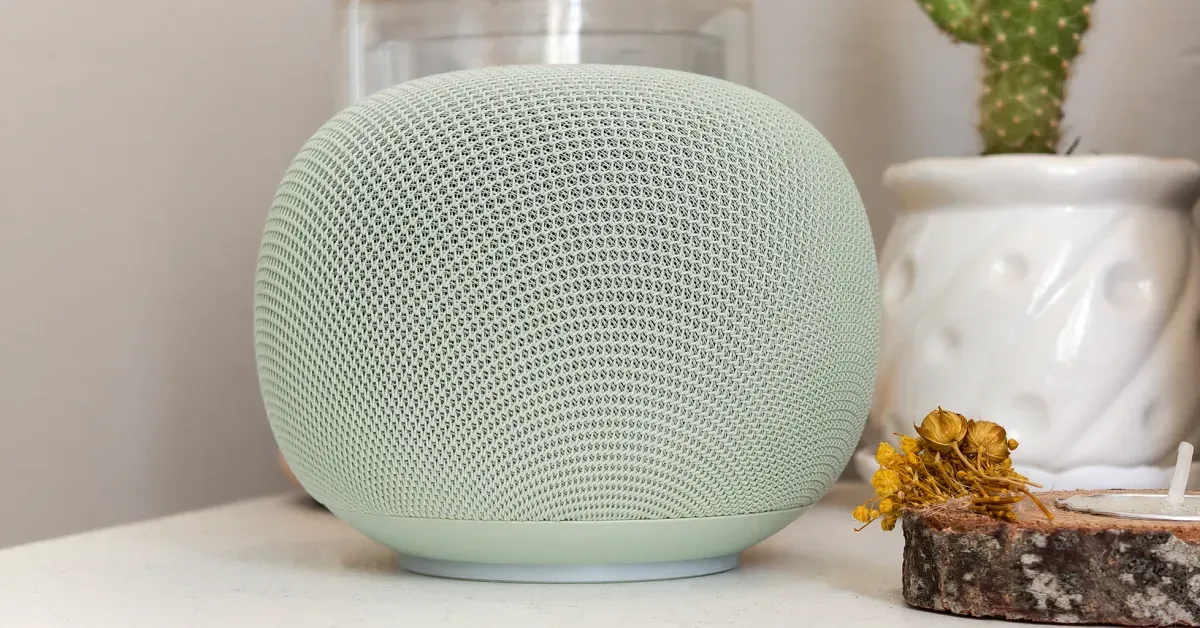
Google Home and Nest speakers are bringing back familiar Google Assistant timer sounds for Gemini, but the confirmation sound for smart home commands is different and some users find it confusing.
Key takeaways
- Classic Google Assistant timer sounds for special timers are returning to Google Home and Nest speakers after being absent since Gemini replaced Assistant.
- Themed sounds include a gobble for poultry timers, sizzling for meat timers and a tarantella melody for pizza or pasta timers.
- The confirmation sound for smart home commands has changed and some users say it sounds like an error rather than a success.
- The full set of sounds may only be available on newer speakers, with older models like the 2017 Google Home issuing generic sounds.
In this article
Classic timer sounds return to Google Home
Google Home and Nest speakers have started playing classic Google Assistant sounds for special timers again, according to 9to5Google. The change follows the replacement of Google Assistant with Gemini on smart speakers earlier this year, which had removed many of the familiar audio cues.
The returning sounds include themed alerts for specific timer types. A chicken or turkey timer plays a gobble or clucking noise with a melody, bacon, sausage or meat timers produce sizzling sounds, and pizza or pasta timers use an Italian tarantella melody. These sounds had been absent for some users since Gemini took over.
Not all speakers appear to get the full set. 9to5Google reports that an original 2017 Google Home speaker issues only generic sounds, while the newer 2026 Google Home Speaker has a more complete list. The publication has reached out to Google to ask whether additional sounds have been added and said it would update its article if it hears back.
Smart home confirmation sound now sounds like an error
The return of timer sounds comes with an unexpected change: the confirmation sound for smart home commands is different. 9to5Google describes the new sound as sounding too much like an error, compared with the previous ding that clearly signaled success.
The publication's author noticed the change at bedtime and again the next morning while setting tea timers, and said several people on Reddit have also received the new sounds. The new smart home command sounds were not universally welcomed; the author said they are not a fan because the new noise is less obviously a success confirmation.
Why the audio cues matter
For people who use smart speakers daily, sounds are a quick way to know whether a command worked without looking at a device or opening an app. A confirmation that resembles an error can make users think something went wrong, especially for routines like turning off lights at night.
The return of themed timer sounds also restores some of the personality that Google Assistant had built up over years. When Gemini replaced Assistant on speakers, users lost those small audio details, and their comeback addresses a common complaint about the transition.
Rollout details remain unclear
It is not yet confirmed how widely the new sounds have rolled out or which speaker models are included. The evidence so far comes from user reports and 9to5Google's own experience, not from an official Google announcement.
Google has not publicly explained the change or said whether the smart home confirmation sound will be adjusted. Users who want the latest information should check Google's official support pages or the Google Home app for updates.
Sources
Spotted a mistake? See our corrections policy. Read how News by OnDevice works in our editorial policy.
Related news
More Android news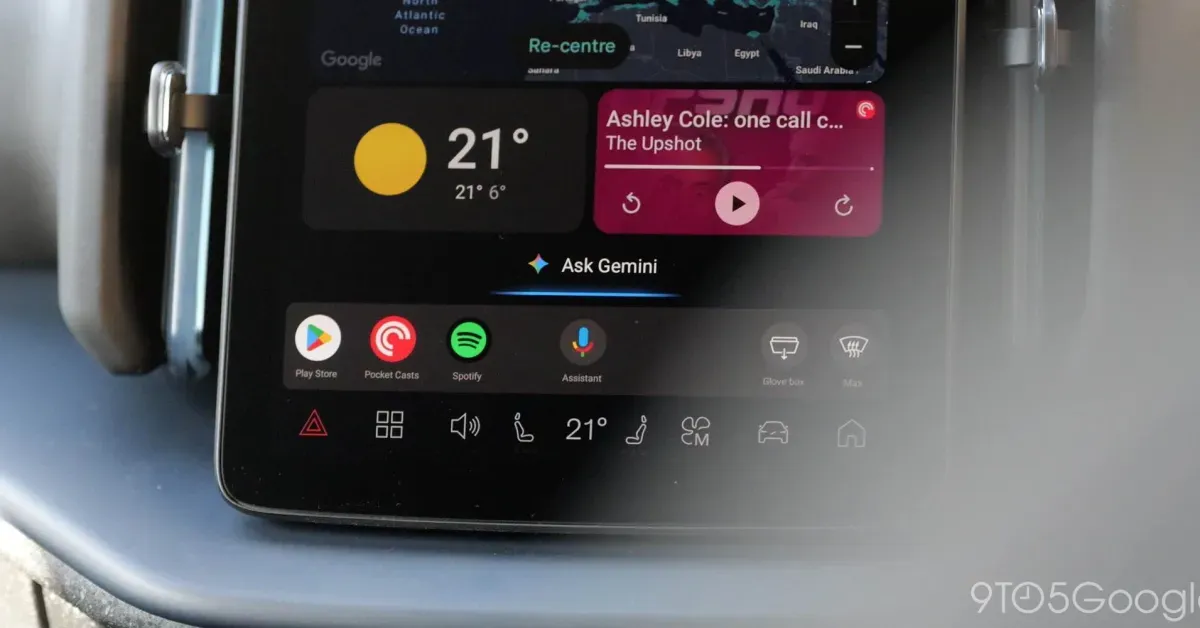
Android Auto gets Gemini proactive suggestions, but only on Pixel phones
Google has confirmed that Gemini on Android Auto will soon offer proactive, personalised suggestions, limited for now to Pixel phones running Gemini Intelligence. The feature is exclusive to the Pixel 10 and Pixel 11 series.
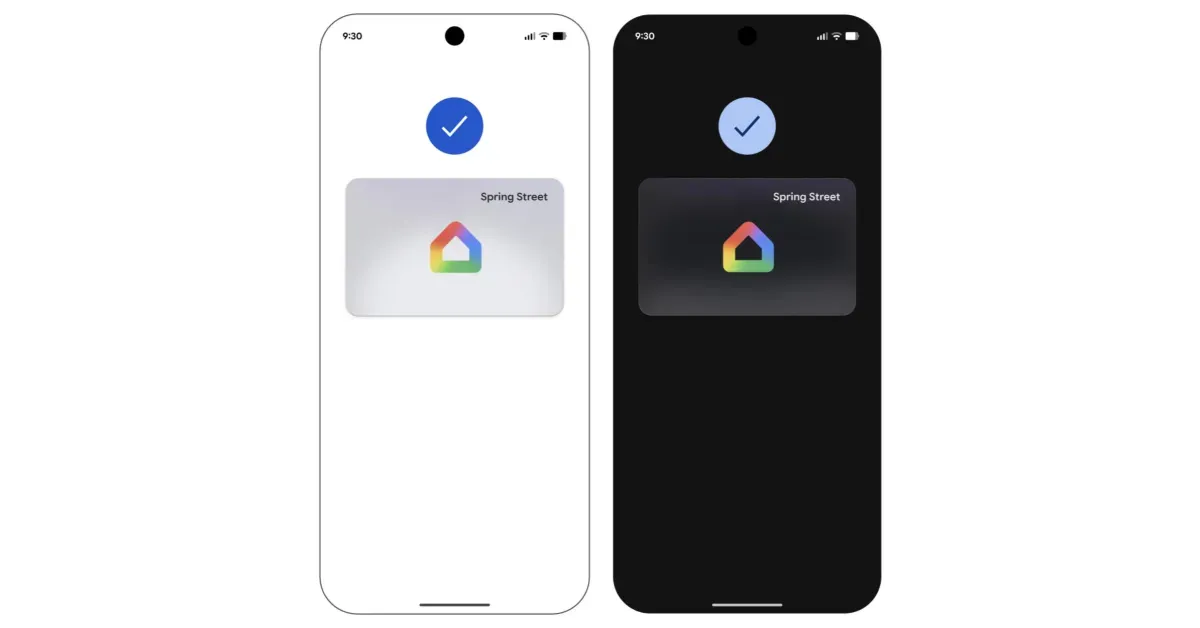
Google Wallet adds digital home keys for supported smart locks
Google Wallet on Android can now store a digital key for compatible Google Home smart locks, letting a phone unlock the door over NFC. The feature starts in the Google Home Public Preview before a wider release.
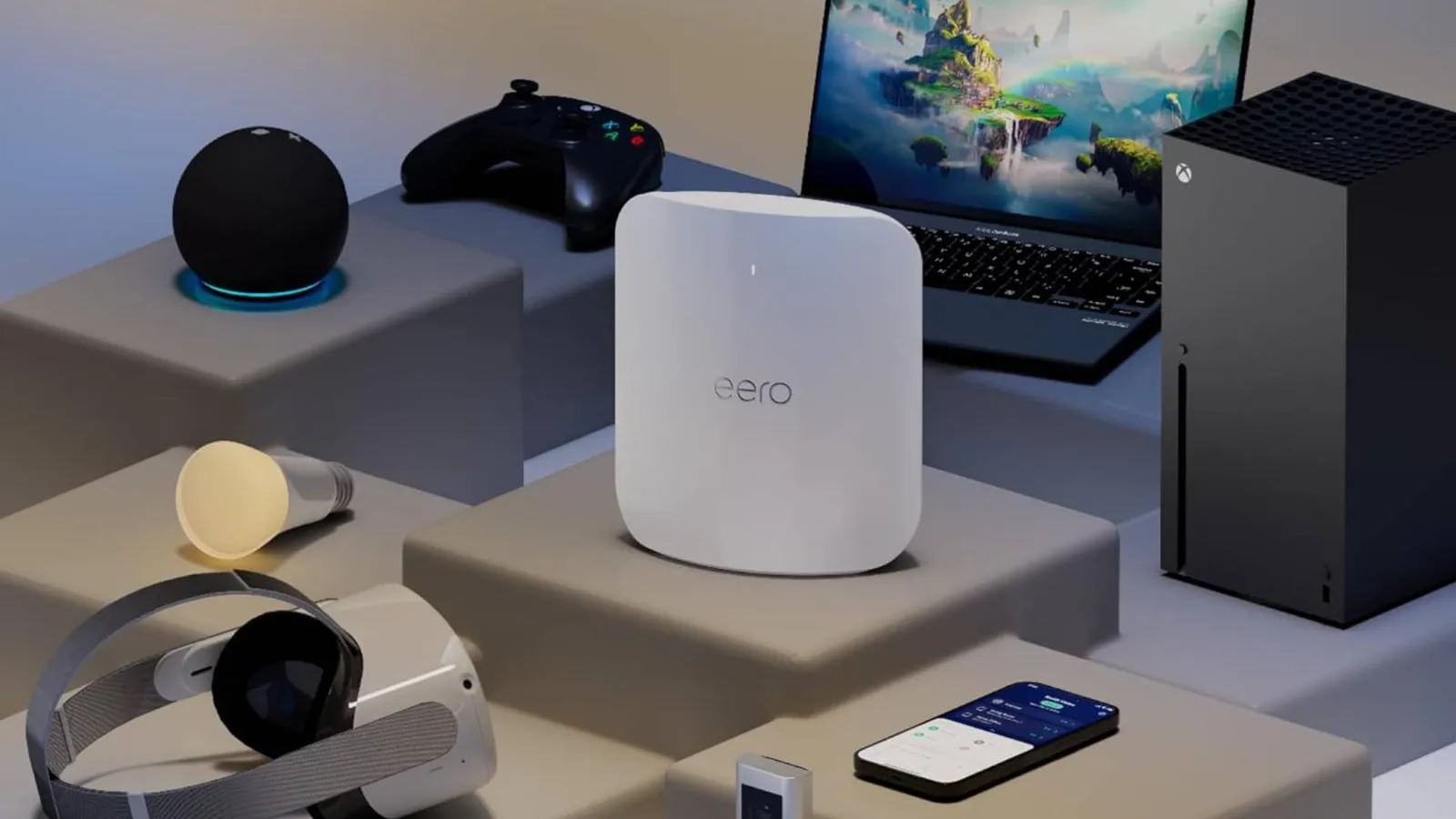
Amazon eero Max 7 falls to $419.99, matching its lowest price
The tri-band Wi-Fi 7 mesh router is 30% off its $599.99 list price on Amazon, and the multi-pack bundles carry the same discount.
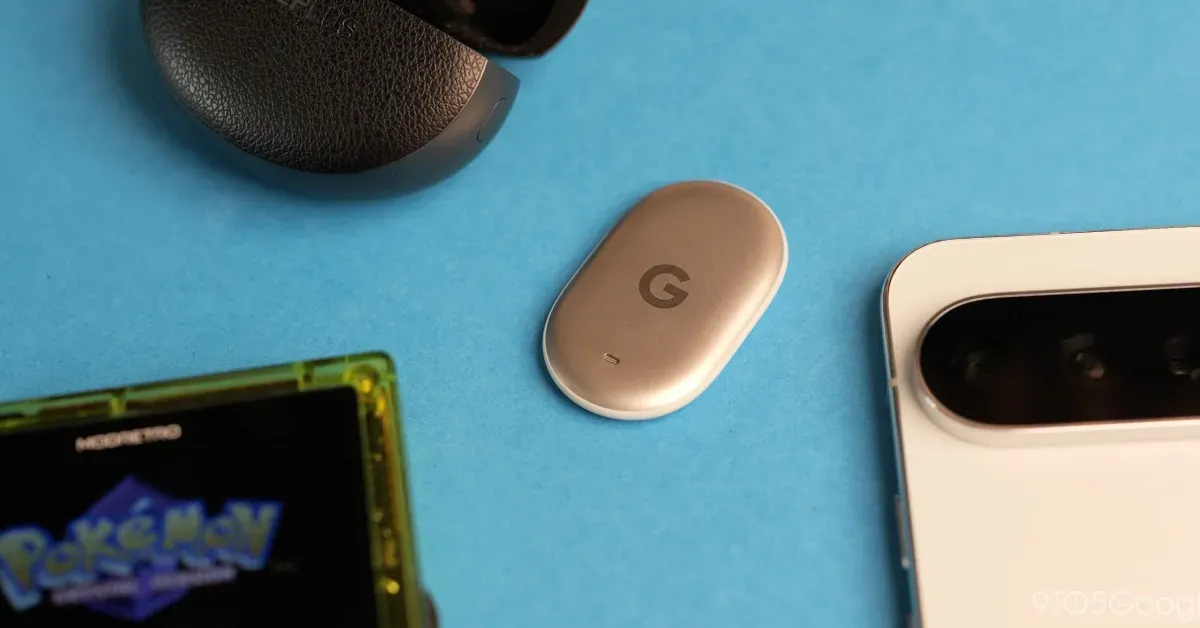
Pixel Tag battery replacement: how to swap the CR2032
Google's Pixel Tag runs on a standard coin cell rated for about a year. A 9to5Google walkthrough explains how to twist off the backplate and reseat the battery if Find Hub loses track of the tracker.