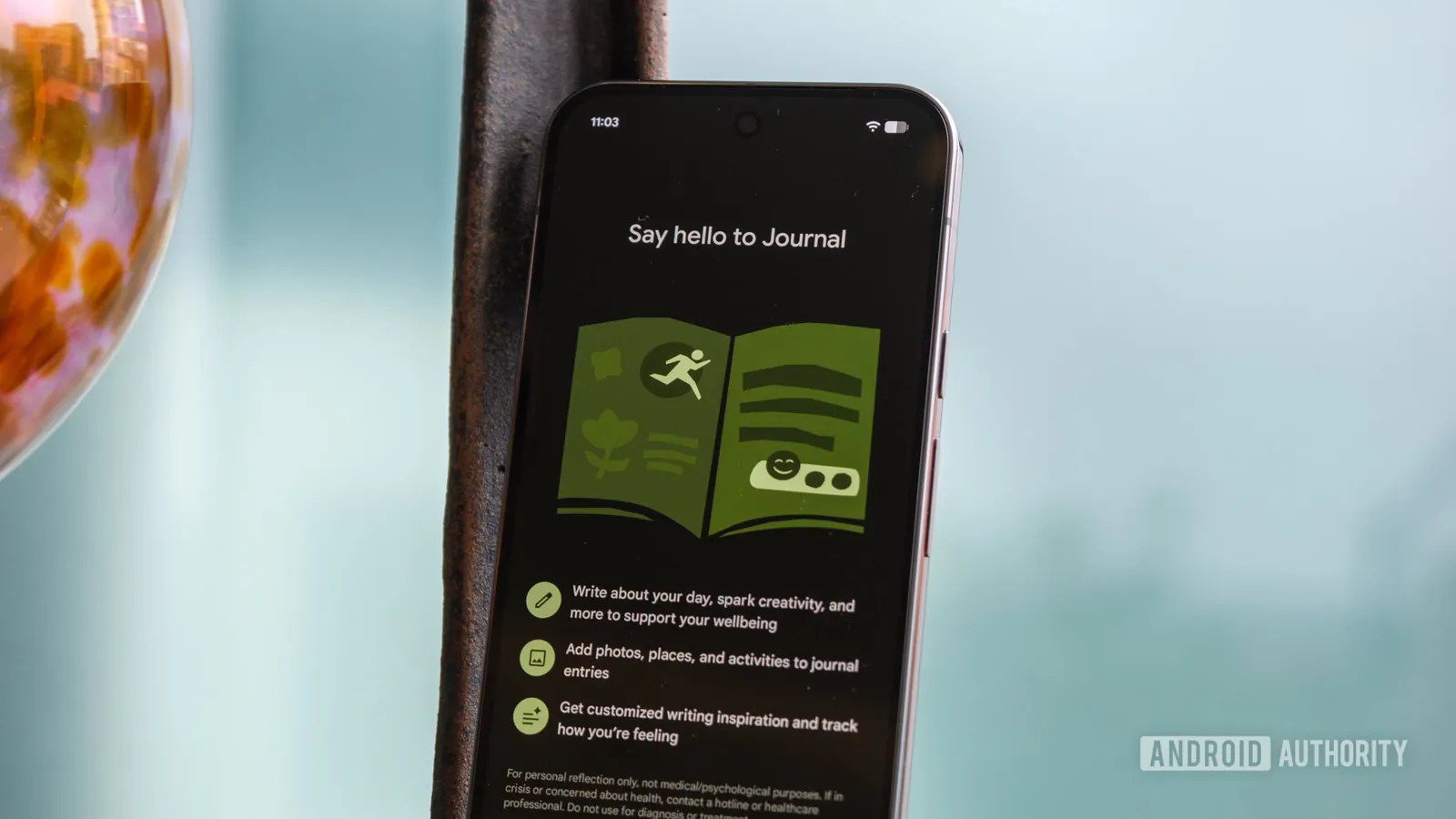
Pixel Journal update adds audio recording and zip export
The Pixel Journal app now shows a Record new audio option tied to Google Recorder, though it does not work yet, and adds an HTML backup export in a zip file.
Key takeaways
- Pixel Journal now shows a Record new audio option in the Add item menu, but it does not work yet.
- Tapping the button prompts an update to Google Recorder, which was not available in the Play Store at the time of Android Authority's report.
- Code references point to adding existing recordings and transcripts in the future.
- A new export option backs up all journal content, including images and videos, as a zip file containing an HTML page.
In this article
What the Pixel Journal update adds
The Pixel Journal update brings two visible changes to Google's journaling app, according to Android Authority. A Record new audio entry now appears in the Add item section, reached through the plus menu inside a journal entry. A new export option on the settings page backs up journal entries in one place.
The audio feature is not functional yet. Tapping the new button asks the user to update the Google Recorder app, but the Play Store did not show a pending Recorder update at the time Android Authority looked. That points to a future release unlocking the integration rather than a feature that works today.
The export option does work as described. Backups include all journal content, such as images and videos, and are stored as a zip file containing an HTML page. Users can unpack the archive on their device and open the index.html file to read the entries locally.
Recorder integration is still in the code
Android Authority reports that a look at the app's code reveals references to adding existing voice recordings and transcripts. Those capabilities are not live yet either, so the current release only lays groundwork.
The direction is clear: Google Recorder would supply the audio side of journaling, letting entries carry voice memos alongside text. Until the Recorder app is updated and the code paths are switched on, the Record new audio button remains a placeholder.
It is notable that a core journaling feature is arriving this way. Android Authority calls the absence of voice recording surprising for an app built around personal diary entries.
How Pixel Journal has grown since launch
Pixel Journal already accepts several kinds of items: location, photos, and activities pulled in through Health Connect. Audio was the missing piece, and the new export option adds a way to take everything out of the app.
Google launched the app exclusively with the Pixel 10 series and later expanded it to the Pixel 9 and Pixel 8. That makes it a Pixel-only tool rather than a general Android release.
Android Authority notes that Pixel Journal's feature set does not yet match established journaling apps such as Day One. The additions in this update, if completed, could narrow that gap.
Why the export option matters
A journal is personal data, and until now Pixel Journal users had no single way to back up everything at once. The zip-based HTML export gives them a portable copy they can open without the app.
Because the backup includes images and videos, and presumably recordings once they work, it covers the full range of entry types the app supports. That is useful for anyone moving devices or simply wanting an offline archive.
For now, the audio side is a promise rather than a feature. Readers who want the Recorder integration should watch for a Google Recorder update in the Play Store, since the Journal app itself directs users there.
Sources
- Pixel Journal update brings audio recording and export optionsAndroid Authority
Spotted a mistake? See our corrections policy. Read how News by OnDevice works in our editorial policy.
Related news
More Android news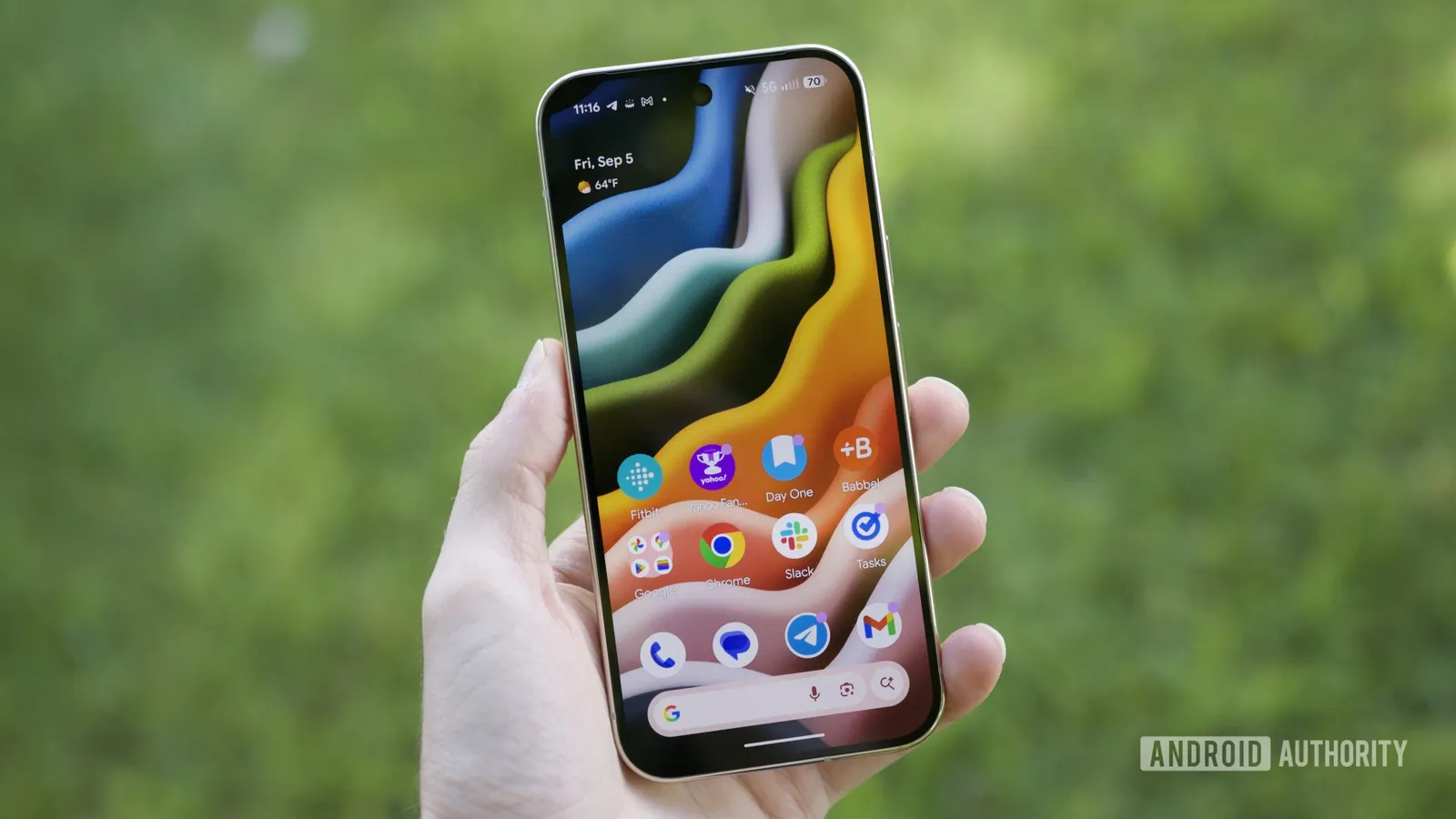
Blue Phone brings an app-spanning AI assistant to the Pixel 10 Pro
Y Combinator-backed startup Blue has opened a public beta of Blue Phone, a $1,299 Pixel 10 Pro and Pro XL running Blue OS, a customized Android build with an assistant that works across apps. The company also plans its own handset in 2027.
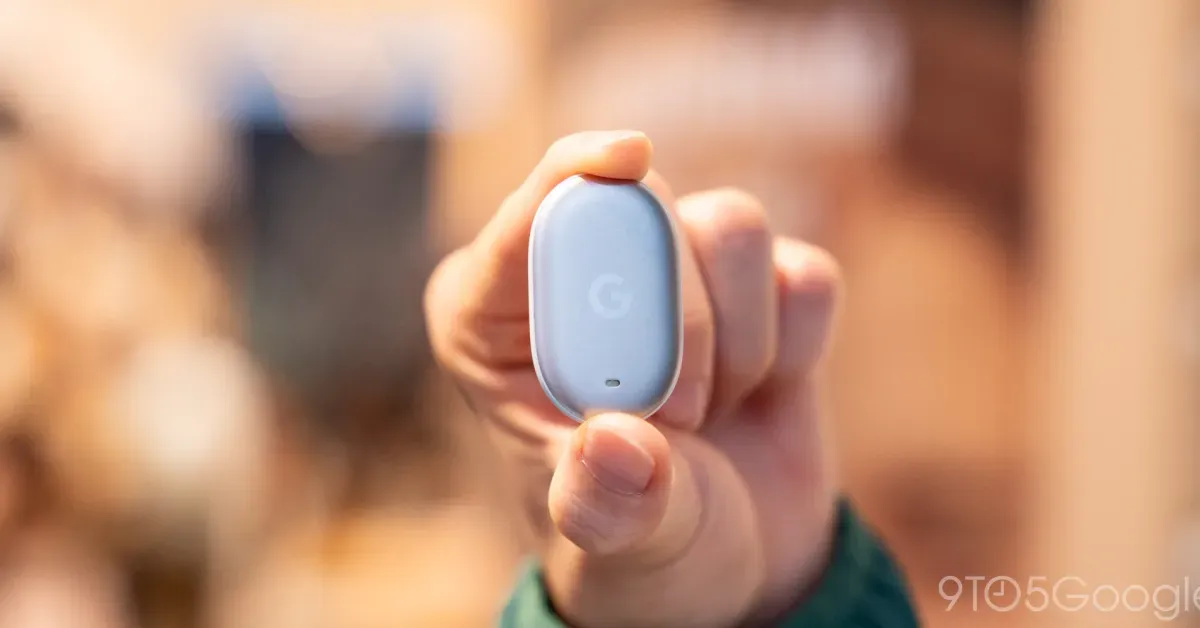
Pixel Tag goes on sale for $29.99 with Bellroy and Spigen cases
Google's Find Hub tracker is now available from the Google Store and Amazon, with a four-pack offered at a discount and four Made for Google accessories alongside it.

GrapheneOS port for Pixel 11 is nearly done with promising performance
The GrapheneOS team says its port for Pixel 11 phones is almost complete, with Memory Tagging Extensions support arriving via Android 17 QPR2 and performance described as more than good enough.
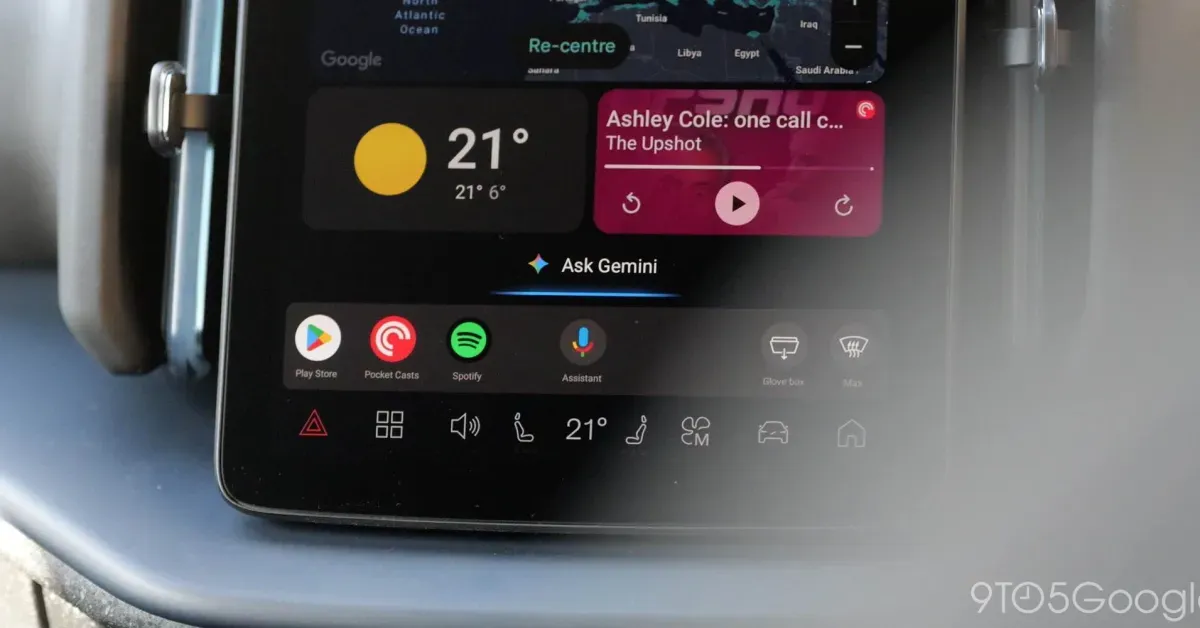
Android Auto gets Gemini proactive suggestions, but only on Pixel phones
Google has confirmed that Gemini on Android Auto will soon offer proactive, personalised suggestions, limited for now to Pixel phones running Gemini Intelligence. The feature is exclusive to the Pixel 10 and Pixel 11 series.