Google details Create My Widget limits: five countries, English only, no UK Gemini apps
Google's support page explains how Pixel's AI widget maker handles personal data, editing and regional availability, with the UK missing Gemini Connected Apps integration.
Key takeaways
- Create My Widget ships with the November Pixel Drop on Pixel 10 and Pixel 11 phones, but not the Pixel 10a.
- Widgets can show personal information if Google Workspace is connected during setup, and data access requires an Allow tap.
- Existing widgets can be edited by long-pressing, choosing Edit and describing the change.
- The feature covers the US, UK, Canada, Australia and India in English only, for users 18 and over, and the UK lacks Gemini Connected Apps integration.
In this article
What Google has now confirmed
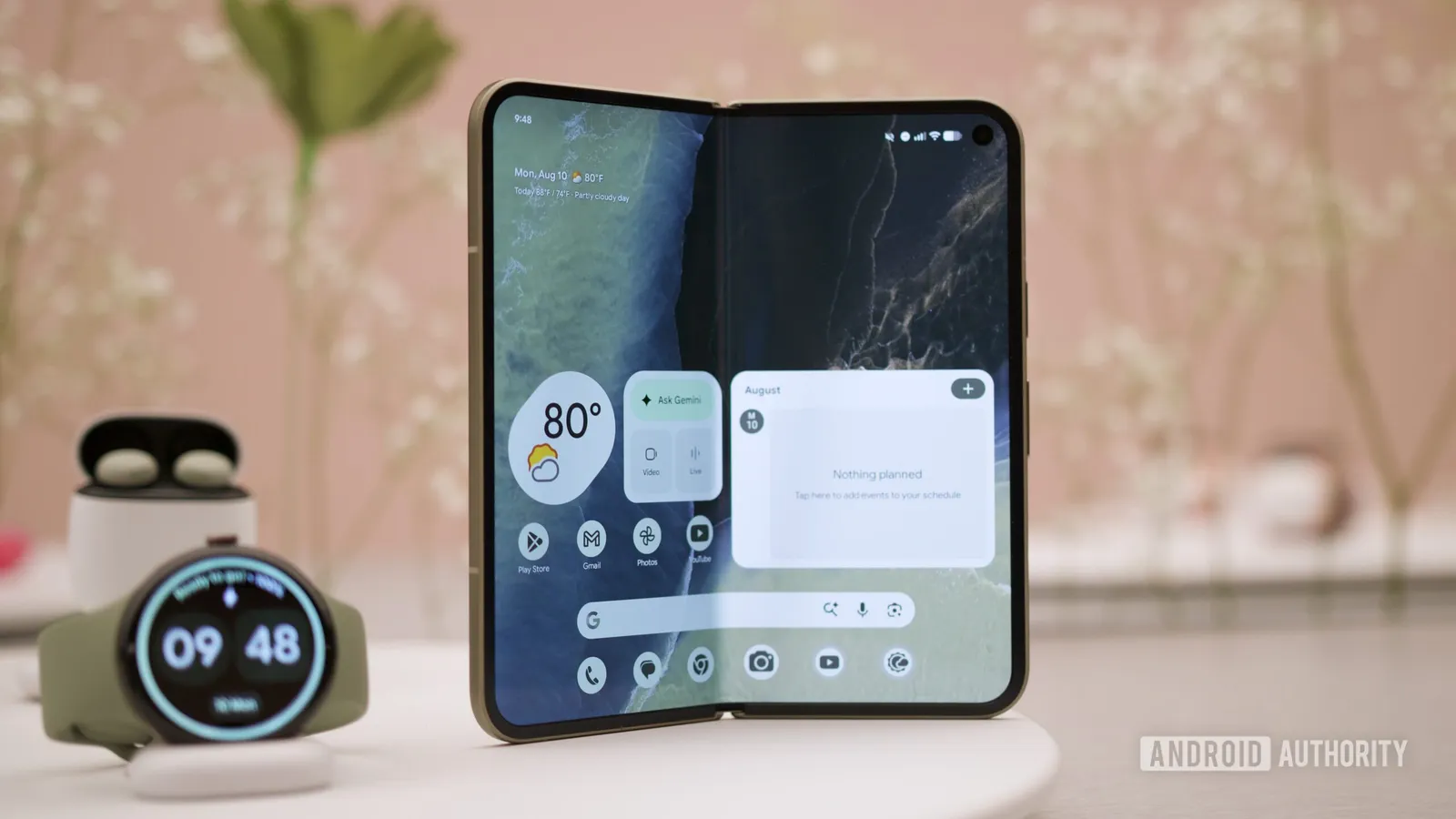
Google has published support documentation for Create My Widget, the Pixel feature that builds home screen widgets from a written description or a suggested template. According to Android Authority, the page covers what happens after a widget is generated: which personal data it can reach, how owners can change it later, and where the tool works at all.
The feature arrives with the November Pixel Drop on the Pixel 10 and Pixel 11 families, though the Pixel 10a is left out. Google says the rollout is gradual, so even people with an eligible handset may not see it straight away. Once it appears, it can be found by long-pressing an empty area of the home screen and choosing Widgets, then Create.
Personal data and permissions
Create My Widget is not restricted to public information such as scores or forecasts. Google says it can produce widgets that display personal details if the user links Google Workspace services during setup. Those connections can be reviewed afterwards in the Connected Apps section of the Create My Widget app.
When a widget needs device or app data, Google states that it will request access, and the user has to tap Allow before the widget receives what it needs. The company also advises checking AI-generated widget responses for accuracy, a reminder that the output is machine-generated rather than verified.
Editing instead of starting over
Widgets that no longer fit can be adjusted without being rebuilt. A long-press on the widget followed by Edit lets the owner describe the change they want and send it, and the update is applied to the existing widget. Similar tweaks are possible while the initial preview is on screen.
That approach differs from the usual routine of hunting for an app with the right widget and accepting its fixed options. Here the description comes first and the design follows, which is the core of Google's pitch for the tool.
Where it works, and the UK gap
Availability is narrow. Google lists the United States, the United Kingdom, Canada, Australia and India, with English as the only supported language, and users must be at least 18. Even inside that group the experience is not uniform: Gemini Connected Apps integration is unavailable in the UK, which may restrict widgets that depend on connected services.
Google also notes that some features may need a subscription for heavier use, without saying which features or where the limits fall. For readers outside the five listed markets, or on the Pixel 10a, the feature is not an option for now.
Why the fine print matters
A widget sits on the home screen and refreshes constantly, so the data it can reach deserves attention. Linking Workspace during setup widens what a generated widget may show, and the permission prompts are the point at which users decide whether that is acceptable. Reviewing Connected Apps later is the way to withdraw access.
The regional split is equally practical. Two users in different countries, both with supported Pixel phones, can end up with different capabilities because of the UK's missing Gemini Connected Apps support. Google's support page is the authoritative place to check eligibility and permissions before relying on the feature.
Sources
Spotted a mistake? See our corrections policy. Read how News by OnDevice works in our editorial policy.
Related news
More Android news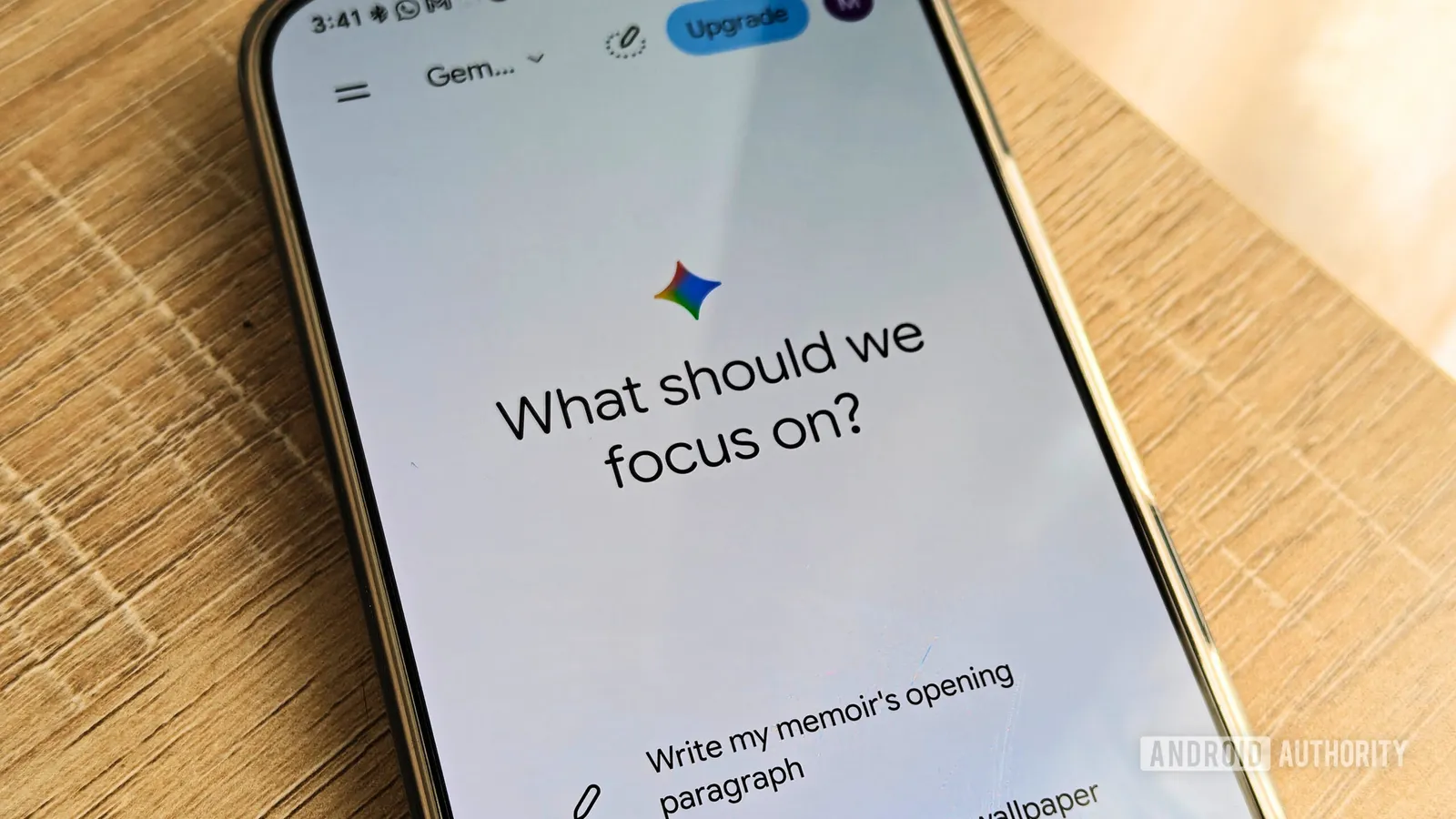
Gemini Memory summary lets you see and delete what the AI knows
Google's Memory summary gathers everything Gemini has stored about you into one page, making it easier to edit or remove details. The feature is rolling out through the Gemini web app and Android app.
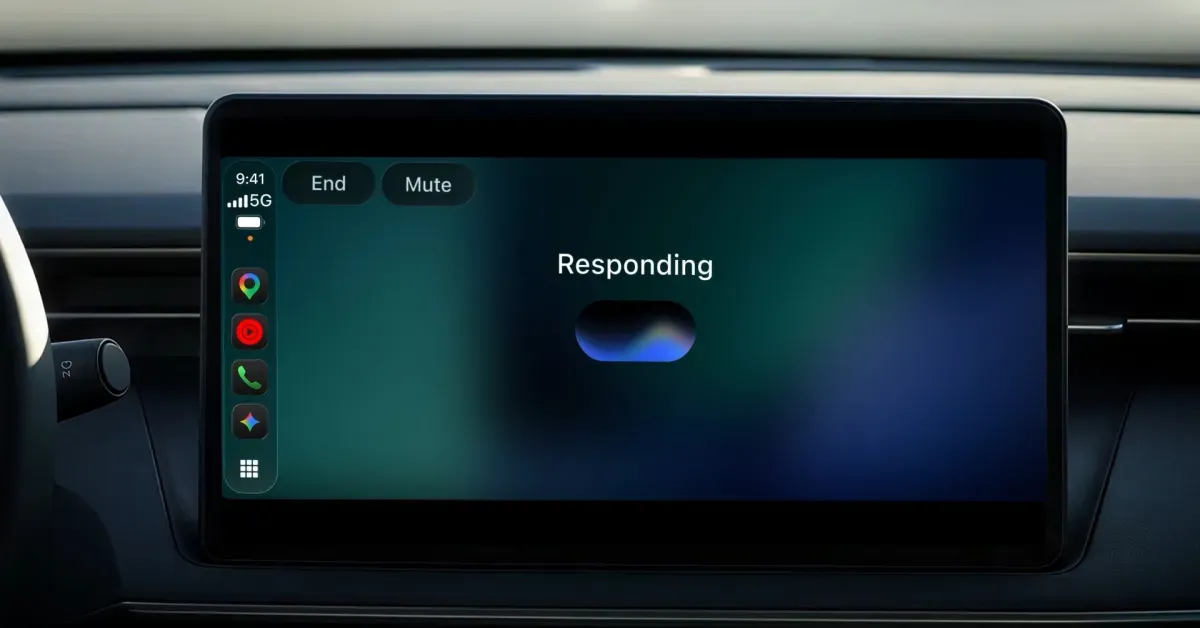
Gemini app for CarPlay rolls out globally to iPhone users
Google is bringing its Gemini app to CarPlay, letting iPhone owners talk to Gemini Live while driving, with conversations syncing back to the phone app.
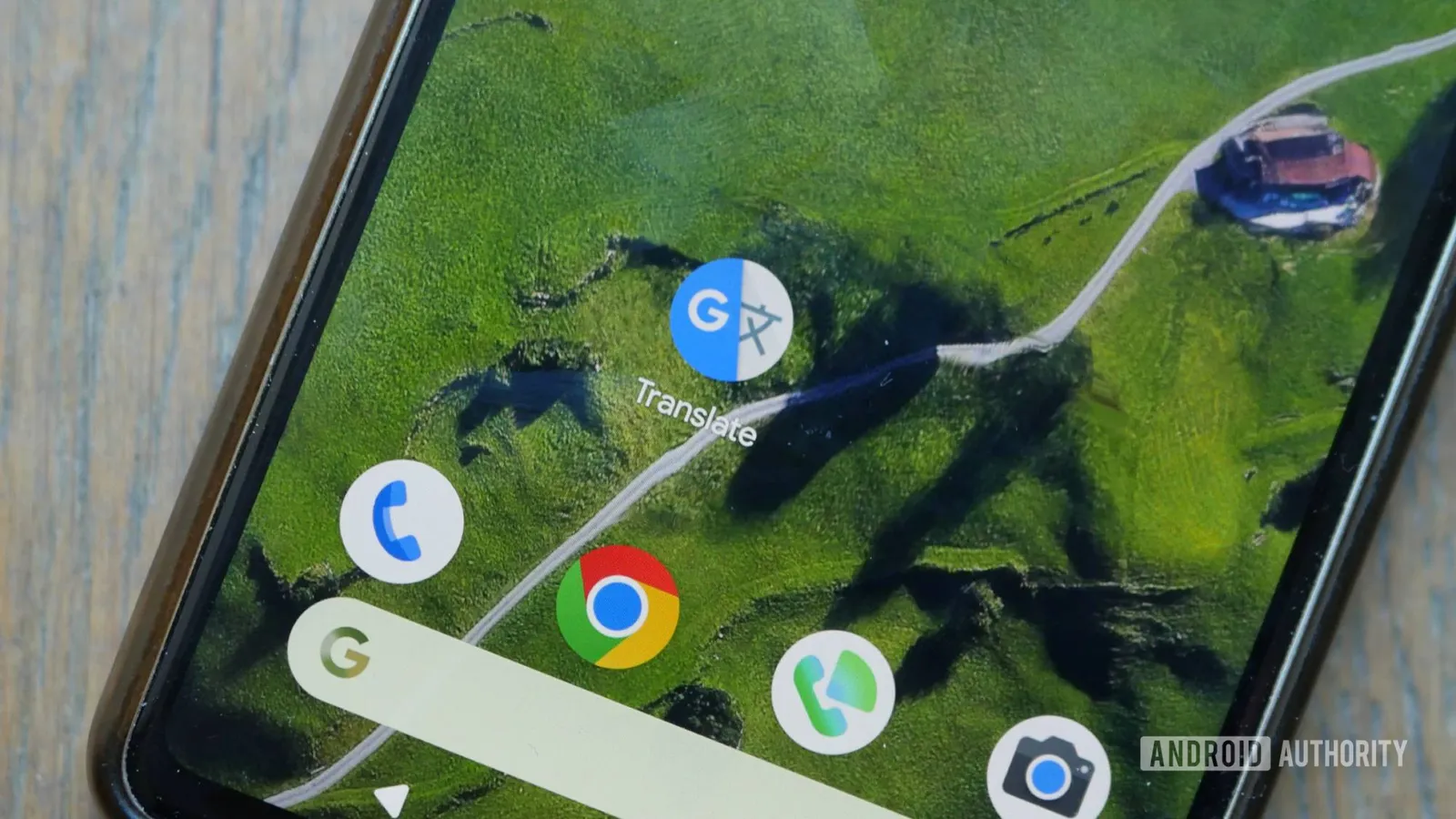
Google Translate widgets get cleaner design in version 10.43
Google is rolling out a visual refresh for eight Translate widgets on Android, with tighter borders on larger widgets and new labels on smaller shortcuts.
Google Voice web app gets new look with grouped chats and SMS/MMS indicators
Google Voice has rolled out a redesigned web interface with a light gray background, grouped message bubbles, and SMS/MMS indicators, hinting at future RCS support.