Gemini Live arrives on Apple CarPlay with hands-free chat
Google is rolling out its Gemini app to Apple CarPlay globally, letting iOS users hold hands-free Gemini Live conversations, check calendars and summarise emails while driving.
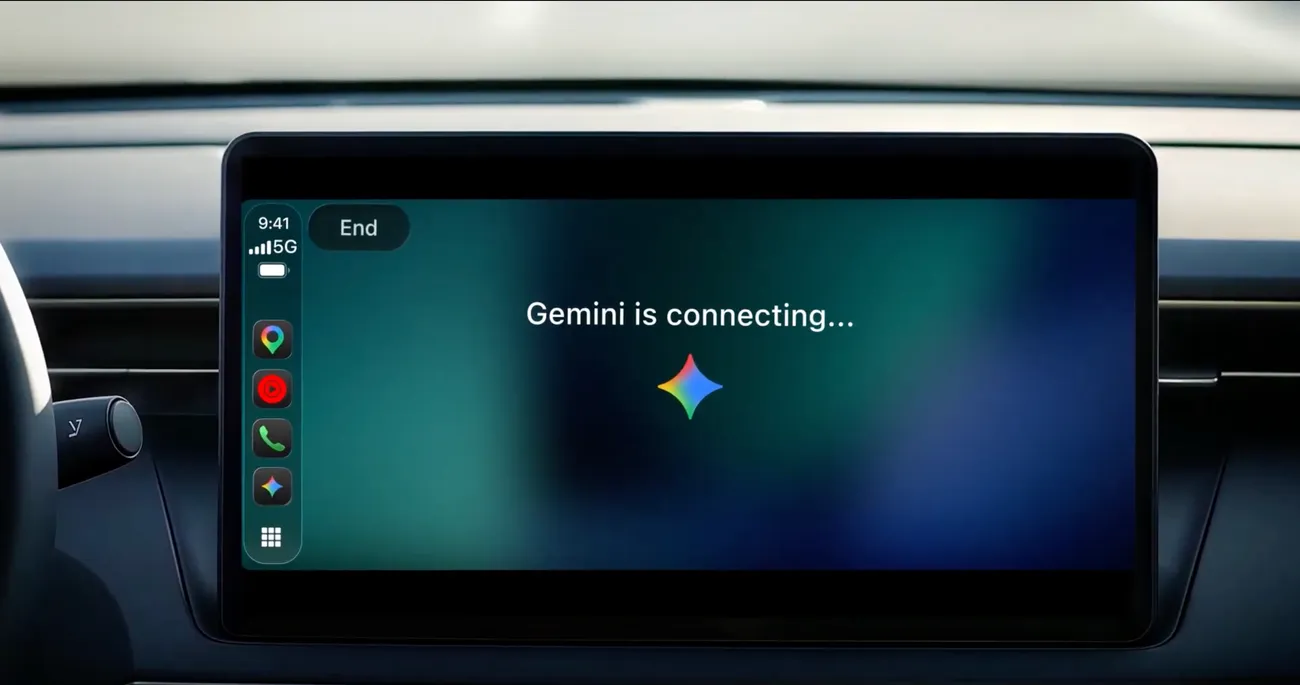
Key takeaways
- Gemini is now available on Apple CarPlay, rolling out globally to iOS users across supported Gemini Live languages.
- Users need the updated Gemini app, microphone permissions and one prior Gemini Live session on the phone.
- Gemini can connect to Gmail and Google Calendar for daily briefs, email summaries and calendar checks.
- CarPlay conversations sync to the iPhone's Gemini chat history after the drive.
What Google announced
Google has brought its Gemini app to Apple CarPlay, according to the company's own announcement, giving iPhone users a hands-free way to talk with Gemini Live from their car's display. The rollout is global and begins today for all Gemini users on iOS, across every language in which Gemini Live is supported.
The feature is designed as a conversational driving companion. Drivers can tap the Gemini icon on the CarPlay screen or side rail, then either resume a recent chat or start a new one. Google says the back-and-forth can be interrupted, redirected or paused when attention is needed on the road.
How to get started
Google lists a few setup steps. Users need the latest version of the Gemini app on their iPhone, microphone permissions enabled, and at least one prior use of Gemini Live on the phone. The next time the handset connects to the car, the Gemini icon should appear on the CarPlay display.
Conversations sync automatically with the Gemini app on the iPhone, so summaries, notes and brainstorms are waiting in chat history once the driver parks. Google frames this as a way to pick up where you left off after the drive.
What drivers can ask it to do
Because Gemini connects with Google Workspace apps such as Gmail and Google Calendar, Google suggests using the commute to review the day's schedule, ask when to leave for an appointment, or rehearse what to say before a meeting. It can also produce a daily brief, catch up on unread emails, summarise long threads and draft a quick spoken reply.
Other suggested uses include asking for local recommendations, such as a quick lunch spot, or getting background on a landmark. Google also positions the car cabin as a place to think out loud: practising a presentation, preparing for a difficult conversation or working through a complex topic. The company offers sample prompts, including one that asks Gemini to roleplay a skeptical executive during a pitch rehearsal.
Why it matters
The launch follows Gemini's earlier arrival on Android Auto and in cars with Google built in, extending the assistant to Apple's in-car platform. Google argues that the average daily commute runs about an hour, and that voice assistants have mostly handled simple tasks like music and directions until now.
The pitch is productivity during time already spent behind the wheel, with Google emphasising that the design aims to minimise distraction. Drivers should still follow their vehicle's and local rules on in-car screen use, and Google's setup guidance is the place to check compatibility and permissions.
Sources
- Talk it through with Gemini, now on Apple CarPlayGoogle Gemini
Spotted a mistake? See our corrections policy. Read how News by OnDevice works in our editorial policy.
Related news
More AI news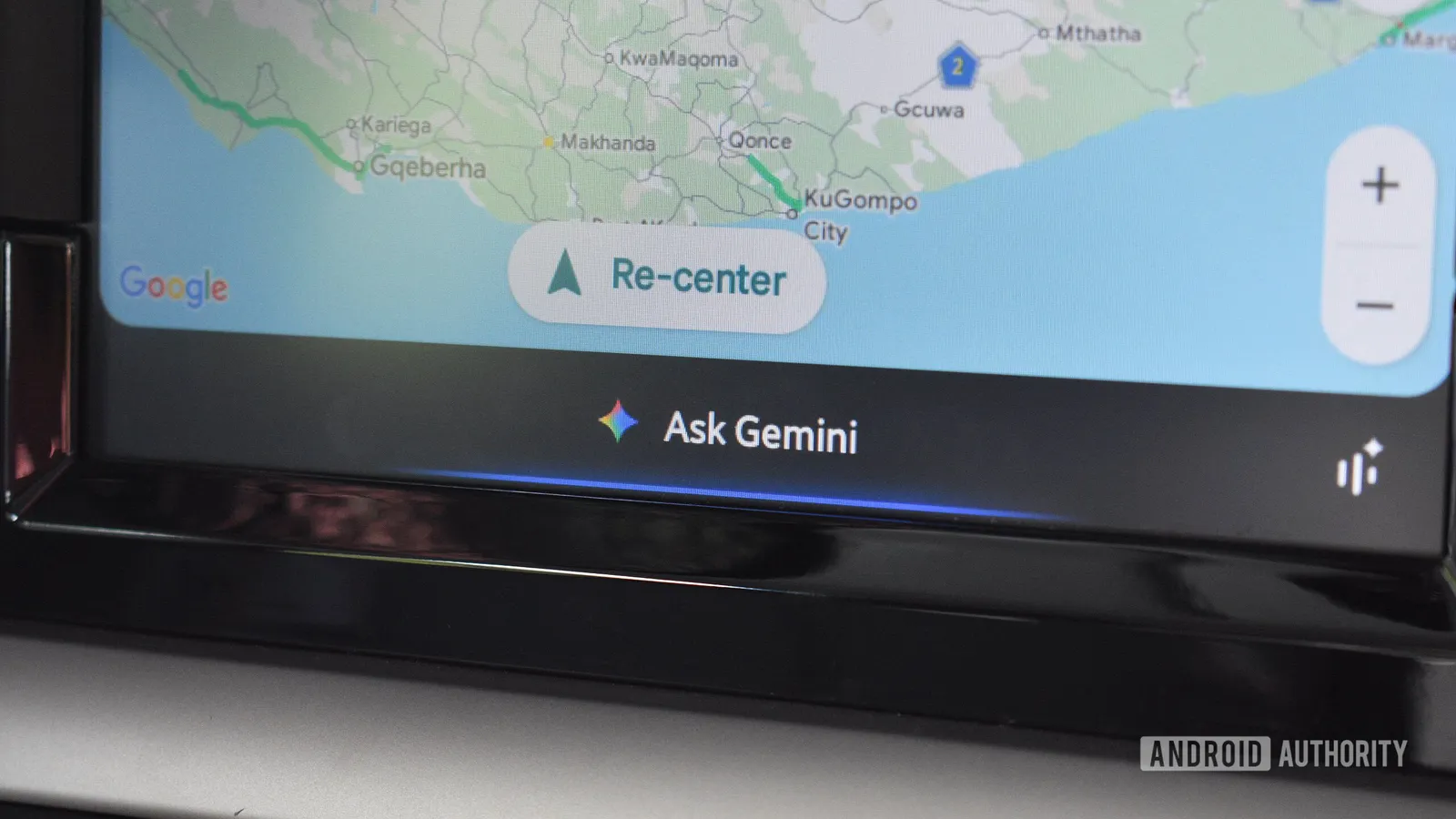
Google brings the standalone Gemini app and Gemini Live to Apple CarPlay
The rollout starts on 11 November 2026 and gives iPhone users hands-free access to Gemini Live from their car's display. It goes beyond the earlier Google Maps integration with synced conversations and Workspace features.

Gemini Intelligence expands to Motorola and Pixel 10, adds custom widgets
Google is bringing its Gemini Intelligence features to more Android devices, including the first Motorola model, and introducing Create My Widget and Device Assistance.

Adobe and Google expand partnership to bring Acrobat and creative tools into Gemini
Announced at Adobe MAX, the deal puts Adobe Acrobat and creative connectors inside Gemini, Gemini Enterprise and AI Mode in Search, while Google's AI models move into Adobe's apps.
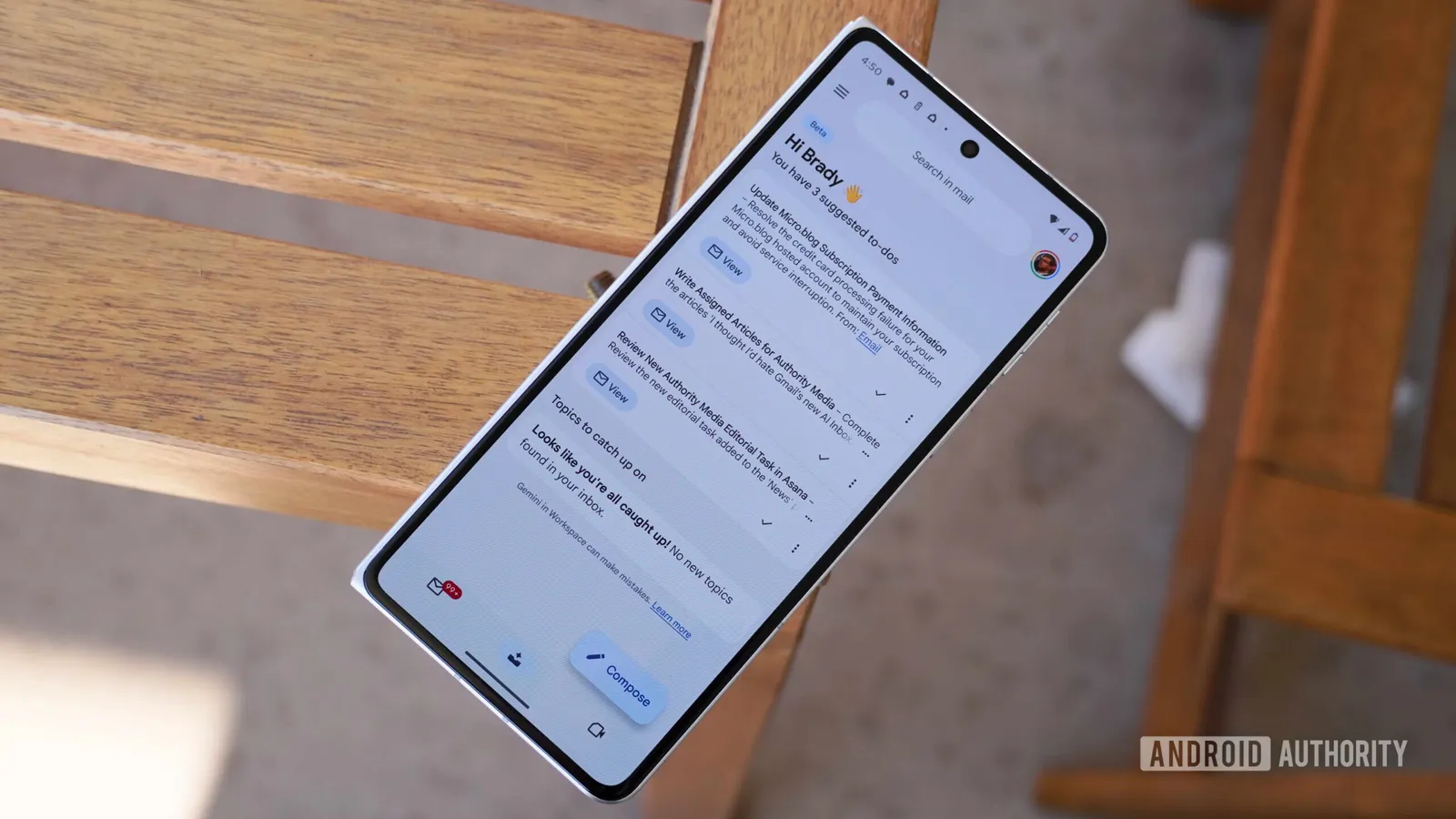
Google expands Gemini Gmail features to more Workspace users
Google is rolling out AI-powered email summaries and writing assistance to a wider range of Google Workspace accounts, bringing Gemini capabilities previously limited to personal Gmail and select editions.