Why fast internet ping lags despite fast internet
A poor fast internet ping can make games and calls feel laggy, even when speed tests show a quick connection.

Key takeaways
- A fast connection does not always mean fast responses, and ping is key for games and calls.
- Home network congestion, such as bufferbloat, can add delay during busy periods.
- A distant game server or poor routing can raise ping even with a quiet network.
In this article
What the problem is
A fast internet ping can be poor even when the connection is quick, according to Engadget. The report explains that a high download speed does not always mean fast responses.
Ping records how long data waits before a reply returns. Bandwidth is the highest rate at which a connection can move data. A speed test may show a high figure, but the response time can still be poor.
Home network congestion
The report adds that a home network can make the issue worse. A phone may upload a vacation video while a laptop is in a call. If that traffic fills the connection, call packets may wait. This can cause delays that are known as bufferbloat.
The report suggests testing with Ookla Speedtest and comparing idle, download and upload ping. If latency increases during load, pause automatic updates, cloud backups or large transfers. Then test again.
Waveform makes a bufferbloat tester. If lag spikes continue, use an Ethernet cable for a PC or console. For a phone, move closer to the router and change to a faster Wi-Fi band.
Servers and routing
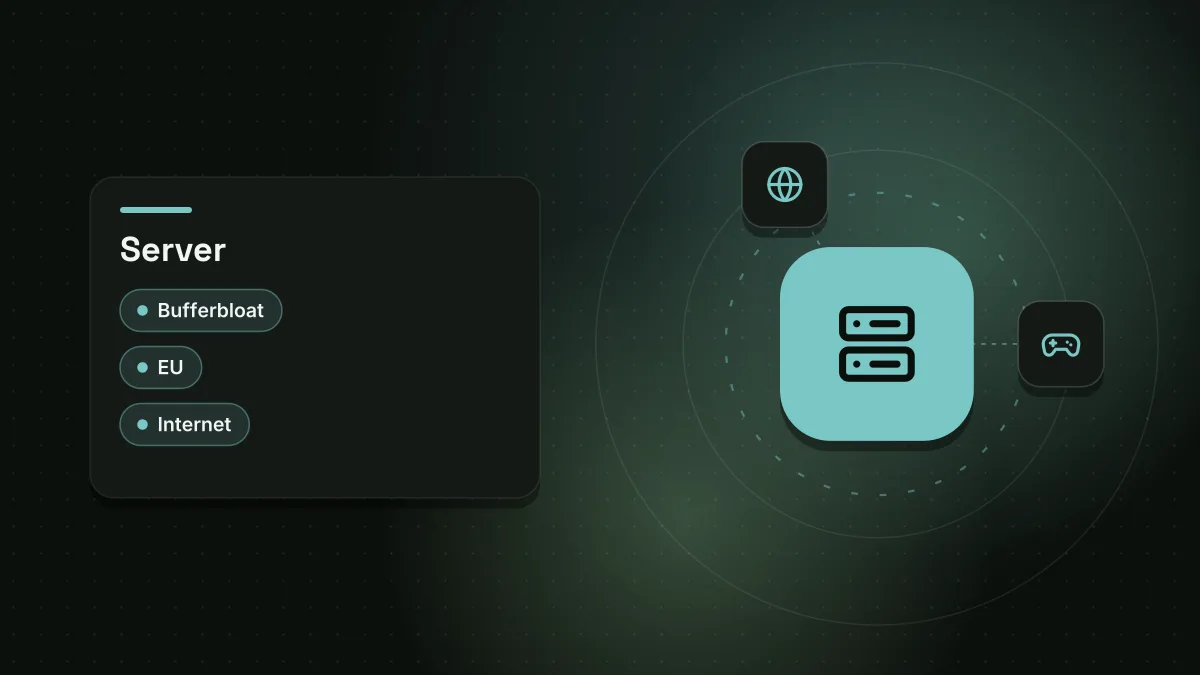
Even a quiet home network cannot remove a distant server problem. A connection from London to a New York game server means inputs cross the Atlantic. The reply must travel back.
A European server would usually shorten the trip. Paying more for an internet plan does not move New York closer.
The route can also be longer than needed. Providers do not always choose the shortest path. Two people in one area can have different ping if data uses different routes. A speed test may measure a nearby test server, not the game host.
The report says the nearest available game location is not always the best choice. In Apex Legends, users can select the Data Center option before loading a match. They can then review each option's ping and lost data.
Who is affected
The issue can affect people who play online games and take part in video calls. A poor ping can make matches feel slow. Calls can have awkward pauses. The report notes that a quick connection helps online performance, yet ping matters more for games and calls.
What to do next
The report recommends checking game connection statistics and server regions. If one game has problems, check the server status or pick another region. If high ping happens on all services with a quiet wired link, contact the ISP before buying new hardware.
Router settings such as Quality of Service or Smart Queue Management can manage congestion. Some setups may slow the maximum download speed. A 2025 RTINGS study looked at router settings, according to the report. It found that nine of the 11 devices reduced latency when congestion was simulated and QoS was on.
Sources
Spotted a mistake? See our corrections policy. Read how News by OnDevice works in our editorial policy.
Related news
More Gaming news
Desktop pc glass case: trends and trade-offs
Desktop PC glass cases have become a staple for gamers wanting to show off components, yet they introduce trade‑offs like airflow issues and fragility.
Gigabyte MO27Q2A review: 27-inch QD-OLED gaming monitor hits $399 with 280 Hz refresh
Tom's Hardware reviews the Gigabyte MO27Q2A, a 27-inch QHD QD-OLED monitor that delivers 280 Hz refresh, wide colour gamut and extensive features for $399, making it a strong value proposition in the premium gaming display market.
Like a Dragon: Infinite Wealth falls to $14 on Steam
SEGA's gangster RPG from 2024 has dropped to its lowest price yet, an 80% cut that brings the standard edition to about $14.

Pillars of Eternity II Deadfire drops below $5 on Steam
Obsidian Entertainment's fantasy role-playing game Pillars of Eternity II Deadfire is now below $5 on Steam for the first time. The pirate-themed RPG has received strong reviews from critics and players.