Four Android Auto apps you may not know work
The platform supports more driving helpers than just navigation and music, including meeting tools, fuel and charging apps.

Key takeaways
- Android Auto supports audio calls through apps such as Google Meet and Microsoft Teams.
- Fuelio and PlugShare can help with fuel and charging needs.
- HERE WeGo can help with offline maps.
- Employer work profile rules may limit some features.
In this article
What the apps do
Engadget reports that several useful Android Auto apps work with car systems. The report was published on 22 November 2026 and described four apps that drivers might not know are compatible. The list goes beyond maps and music, covering calls, fuel and charging. Android Auto supports more than Google Maps and Spotify.
How meeting calls work
Google Meet can show upcoming meetings on the car display. Users can join a call with one tap in audio only mode. Microsoft Teams can check a calendar and place calls. Zoom and Webex by Cisco also work with Android Auto.
Fuel and charging help
Fuelio can track fill ups, odometer readings and fuel prices. It can calculate fuel economy and cost per mile. The app can filter stations by recent updates or user ratings. PlugShare offers a crowd sourced map for electric vehicle charging stations.
Offline maps and next steps
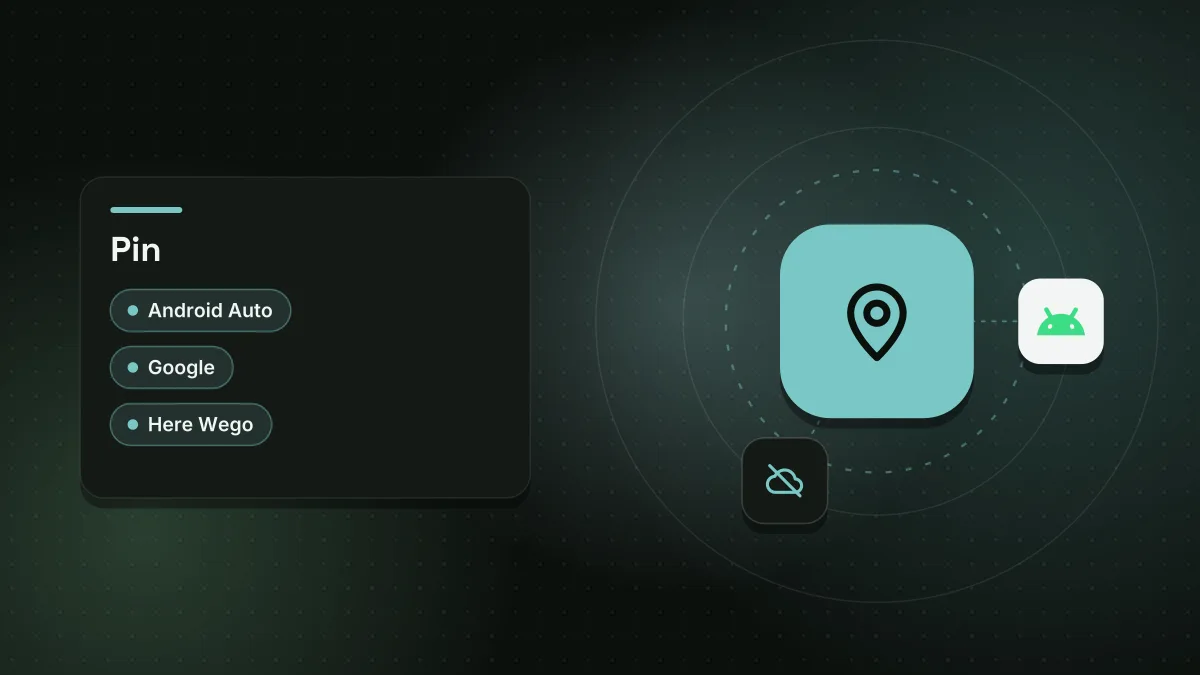
HERE WeGo can provide offline navigation for some countries and areas. The app can flag parking spots and rest areas. It can also avoid tunnels and U turns. Drivers may need to check employer rules before using work apps.
Sources
Spotted a mistake? See our corrections policy. Read how News by OnDevice works in our editorial policy.
Related news
More Android news
Gemini camera redesign rolls out on Android with new bottom sheet
Google has updated the in-app camera in Gemini for Android, replacing the old full-screen viewfinder with an expandable bottom sheet. The change is rolling out in beta and stable versions 17.76 and later.
Xiaomi 18 Max tipped to join flagship lineup with 8,000 mAh battery
A successor to the China-only Xiaomi 17 Max is reportedly on Xiaomi's schedule, with a Snapdragon 8 Elite Gen 6 chip and a battery of at least 8,000 mAh expected.
Motorola Moto Tag 3 appears on Amazon ahead of official launch
Listings on Amazon UK and Amazon Italy show a Motorola Moto Tag 3 tracker in two colours, suggesting a release could arrive within weeks or months. The device looks nearly identical to the Moto Tag 2 released earlier this year.
10 Android phone mistakes to avoid for security and performance
Engadget lists 10 Android phone mistakes that can weaken security, slow performance and limit app access. The advice covers updates, storage, app sources and rooting.