Samsung Camera app code hints at Vision mode and Auto portrait
Strings in the One UI 9.5 beta point to an AI scene summary mode and automatic background blur. The code suggests both need hardware the Galaxy S26 does not have.

Key takeaways
- GSMArena found references to Vision mode and Auto portrait in the One UI 9.5 beta for the Galaxy S26 series.
- Vision mode would show an AI summary of the scene, with Ask and Translate buttons beside the shutter.
- Ask would send the frame to Gemini, while Translate would use Samsung's AI Vision app.
- The code suggests both features need hardware the Galaxy S26 lacks, pointing to the Galaxy S27.
In this article
What the beta code shows
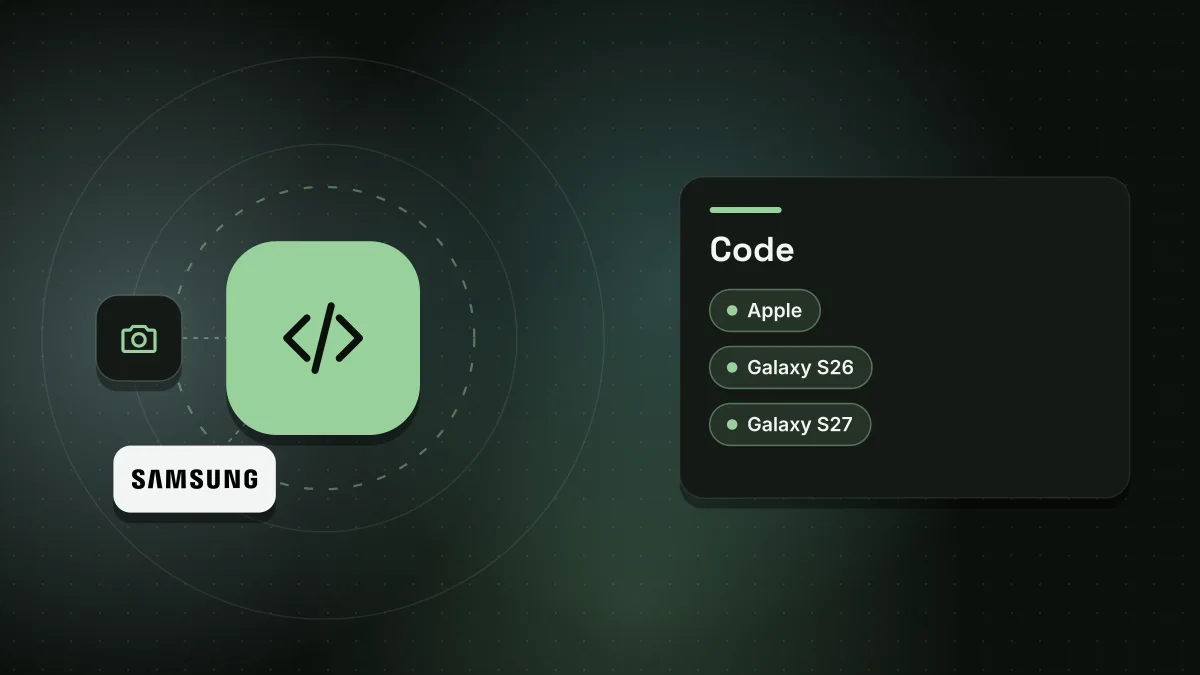
Samsung is working on two new Camera app features called Vision mode and Auto portrait. According to GSMArena, the clues sit inside the One UI 9.5 beta, which Samsung recently released for the Galaxy S26 series. The site describes text strings in that software, not a working feature.
Vision would appear as an extra mode beside Photo and Video. GSMArena says it seems designed to show a short summary, written by AI, of whatever the camera is pointed at. Tappable keywords would sit with that summary, plus two buttons near the shutter named Ask and Translate.
Pressing the shutter would not save a picture, according to the report. It would only hold the preview still, so questions could continue about the same scene. Below the summary card, the code also points to suggested actions, a text extraction button and a flashlight toggle.
Where the requests would go
GSMArena reports that tapping Ask, or one of the keywords, would pass the camera frame to Gemini, Google's AI assistant. Translate would instead hand the frame to Samsung's AI Vision app, which the site describes as most of what remains of Bixby Vision.
The live preview would apparently be streamed to a new Samsung app named Visual Agent Service. That app is not on the Galaxy S26 family yet, GSMArena says. Because of that, it is unclear whether the scene summary is produced on the phone itself or in the cloud.
Much of this is already possible by sharing a camera view with Gemini Live, the report notes. Samsung's version would sit inside the Camera app, with its own summary shown before Gemini is reached.
A familiar layout from Apple
The described layout has a close parallel on iPhones. GSMArena points out that iOS 27 moved Visual Intelligence into the Camera app as a Siri mode beside Photo and Video.
That Apple mode also shows a description card at the top of the viewfinder, according to the report, with a button on either side of the shutter. Samsung's version appears to follow the same arrangement, with Ask on one side and Translate on the other.
Neither company's feature has been confirmed as finished. Samsung has not published details of Vision mode, and the report is based on code found in beta software.
Auto portrait and the hardware question
The second feature, Auto portrait, would add background blur in Photo mode without a manual step. GSMArena says it would trigger when a face or a pet is detected. The blur could also be switched on by hand from the viewfinder and adjusted with a slider.
Neither feature works on the Galaxy S26 devices today. The discovered code suggests both require hardware these phones lack, according to GSMArena, so they would probably wait for the Galaxy S27 handsets. Those phones are rumoured to arrive early next year.
That timing is a rumour and not a Samsung announcement. Until the company confirms the features, readers should treat the report as an early look at code rather than a release date.
Sources
Spotted a mistake? See our corrections policy. Read how News by OnDevice works in our editorial policy.
Related news
More Android news
Samsung camera AI mode could arrive with Galaxy S27
Code in One UI 9.5 Beta 1 points to a Vision mode that could summarise scenes and connect to Gemini, but Samsung has not confirmed it.
Galaxy S27 Ultra tipped for brighter night photos and better video
A leak claims Samsung's next flagship will capture more light and detail after dark. No sample images have been shared, and the phone is expected in early 2027.
Galaxy Z Fold 8 wins over reviewer after a difficult start
A 9to5Google writer says the smaller Galaxy Z Fold 8 now beats the Ultra model in daily use, after weeks of awkward handling and a change of habits.

Nest Hub delay makes Amazon Echo Show deals tempting
Google has not refreshed the Nest Hub since 2021, and 9to5Google says Amazon's Black Friday Echo Show deals make rival smart displays tempting.