Router VPN or VPN app: which setup suits your home network
Engadget compares running a VPN on the router with installing an app on each device. Router-level cover reaches consoles and TVs that cannot run VPN software, while apps usually offer faster speeds and more control.

Key takeaways
- A router VPN pushes every device's traffic through one encrypted tunnel, which suits hardware that cannot run VPN software.
- Engadget says router-level encryption can sharply reduce speeds because many routers lack the processing power for it.
- The Nintendo Switch, PlayStation 5 and smart TVs running Samsung Tizen or LG webOS offer no VPN settings.
- Device apps allow a different server per gadget and can be switched off, but each one uses a connection slot.
In this article
How a router VPN works
Engadget published a comparison of two ways to run a virtual private network at home on 17 November 2026. A router VPN sends the traffic of every connected device through one encrypted tunnel, while a VPN app protects a single phone, tablet or computer.
Many routers sold today include built-in support for VPN connections, according to Engadget. A VPN, short for virtual private network, encrypts internet traffic and passes it through a server run by the provider, which also hides where that traffic starts.
Setting this up on the router means the encryption happens once, at the point where the household reaches the internet. Every device on the network then uses the tunnel without extra software. Engadget notes that this removes the job of managing a separate connection on each gadget.
Where router-level encryption slows things down
The main drawback is speed. Not every router has enough processing power to handle VPN encryption quickly, so a router-wide connection can cut available bandwidth sharply, according to Engadget.
A phone or computer is far more capable, so an app on the device can make fuller use of the internet connection instead of being held back by the router. Engadget also points out that many websites refuse connections arriving from VPN servers. Google search often asks for a CAPTCHA, a test designed to check that a real person is browsing, and some sites fail to load at all with an HTTP 403 or 401 error, which signals that access was refused.
With an app, the VPN can be switched off in seconds to open a stubborn page. With a router setup, that change reaches the entire household.
Consoles and smart TVs without VPN support
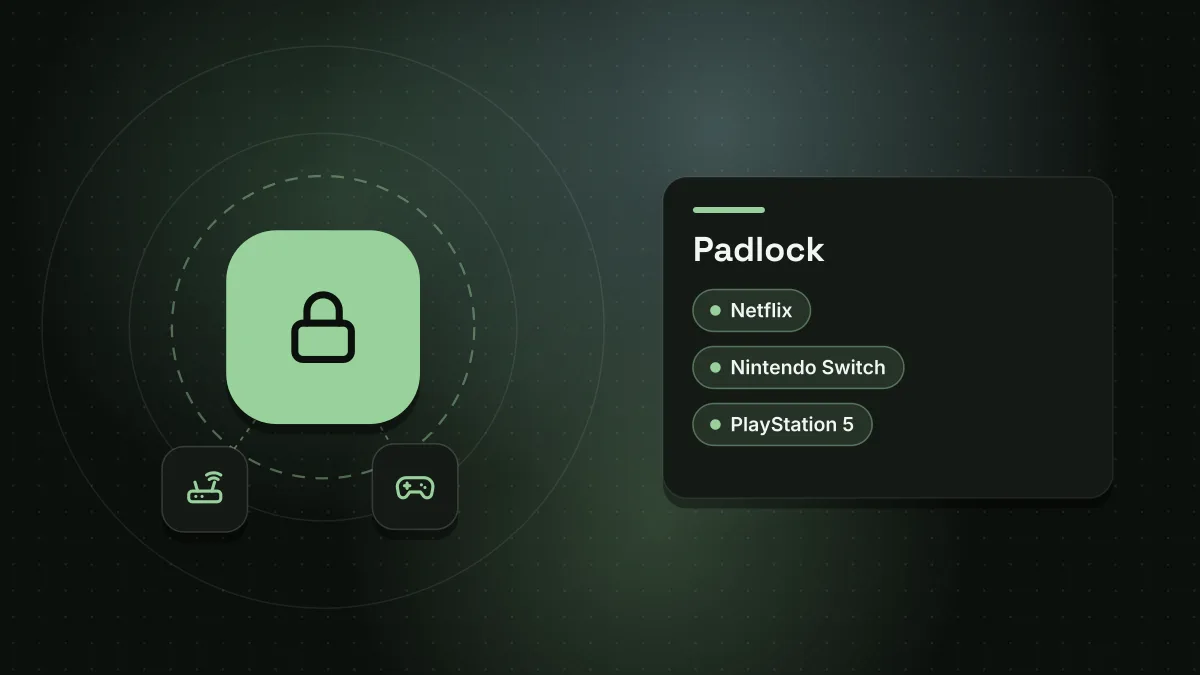
Some hardware cannot run a VPN app at all. Engadget names the Nintendo Switch and the PlayStation 5 as consoles that offer no support for VPN connections. Many smart TVs are in the same position, with Samsung sets running Tizen and LG sets running webOS providing no VPN settings of any kind.
For those devices, a tunnel created on the router is often the only way to send their traffic through a VPN. Engadget mentions one alternative, which is a VPN-capable streaming device such as the Nvidia Shield connected to the television.
A small number of routers go further and offer VPN policy controls. These let an owner choose which devices or website domains use the tunnel, for example sending only the television's traffic, or only Netflix data, through the VPN. Engadget says very few routers support this feature.
Why device apps give more control
Most VPN providers publish apps for Windows, macOS, Android, iOS and Linux. Engadget says that using one of these apps is often the better option, even in a home that owns a VPN-ready router.
An app lets one person select a different location or server for a single device without altering the connection for anyone else in the house. That helps with geo-restricted content on streaming services such as Netflix, and with occasional tasks where connection security and privacy matter more than usual.
There are two running costs to consider. Each connected device occupies one slot from the provider's allowance of simultaneous connections, so Engadget suggests keeping that number low. Leaving a VPN running all the time on a phone or laptop can also drain the battery, although an app can be closed whenever it is not needed.
Choosing between the two setups
The practical split is fairly clear. A router VPN suits households with hardware that cannot run an app, such as consoles and many televisions, and it covers everything on the network without per-device setup.
Apps suit people who care about speed, who switch between server locations, or who need to reach a site that blocks VPN traffic. Neither approach is better in every case, so the trade-off is broad coverage on one side and speed plus fine control on the other.
Sources
Spotted a mistake? See our corrections policy. Read how News by OnDevice works in our editorial policy.
Related news
More Gaming news
Steam Deck owners plan to stream GTA 6 from consoles
With GTA 6 launching only on PlayStation 5 and Xbox Series X|S, Steam Deck users are turning to Remote Play apps to stream the game to their handhelds.

Nintendo announces Splatoon Raiders art book for February 2027 release in Japan
Nintendo and publisher KADOKAWA have revealed a 336-page art book for Splatoon Raiders, launching in Japan on 9 February 2027 with over 5,000 pieces of concept art.

Brazil Xbox explosives arrest after console bomb detonated in store
A businessman from São Paulo state has been arrested on suspicion of sending a games console packed with explosives to a rival's shop, where it detonated and injured two people, according to Tom's Hardware.
SteelSeries Aeon Pro review: dual-device gamepad at a premium price
TechRadar's review of the SteelSeries Aeon Pro praises its swappable batteries, dual PC and Xbox support and Hall effect controls, yet notes a $259.99 price.