How to test your online password security strength
Engadget explains how a free password checker can estimate strength and why unique passwords matter.

Key takeaways
- A password should be at least 12 characters and use a mix of character types.
- A strength checker can estimate how long a crack might take.
- Reusing passwords can spread risk across accounts.
- Using unique passwords, a manager or passkeys can improve security.
What Engadget reports
Finding out how secure your password is can be part of better password security. Engadget reports that this topic looks at habits which can leave accounts open. The piece mentions keyboard patterns and reused logins as examples, and it also considers what a secure password should include. The details come from the source and are not independently verified.
How the checker works
The report points to a no-cost strength tool run by Security.org. A person can enter a password and the tool gives feedback. Engadget says the tool can estimate how long a computer might take to crack the password. The estimate grows as more characters are added, the source reports.
Who may be at risk
The report says simple passwords and reused passwords can be risky. People who use the same password across several services may be more exposed. A breach on one site could then affect other accounts, according to the source. The source does not name affected groups beyond general users.
How to protect accounts
The report recommends unique passwords for different services. It also suggests using a password manager or an authenticator app. Passkeys can be more secure when a service offers them, the source says. The source adds that changing passwords every 60 to 90 days, or sooner after a breach, may help, and the advice remains unconfirmed.
Sources
Spotted a mistake? See our corrections policy. Read how News by OnDevice works in our editorial policy.
Related news
More Gadgets news
Asus RTX Spark mini PC reaches Europe with up to 128GB RAM
Asus has launched the RTX Spark mini PC ProArt GR1X in four European markets. The compact desktop uses Nvidia's RTX Spark N1X platform for local AI work.
USB-C docking station expands laptop connectivity and port options
An Engadget report published 22 November 2026 explains how a USB-C docking station connects a laptop to multiple accessories via one cable, reducing clutter and protecting port longevity.

Lenovo laptop battery life extends in new IdeaPad
Lenovo has released a new lightweight laptop with longer battery life, according to Notebookcheck. The IdeaPad Slim 5 Ultra now lasts longer than the older model, the outlet reported.
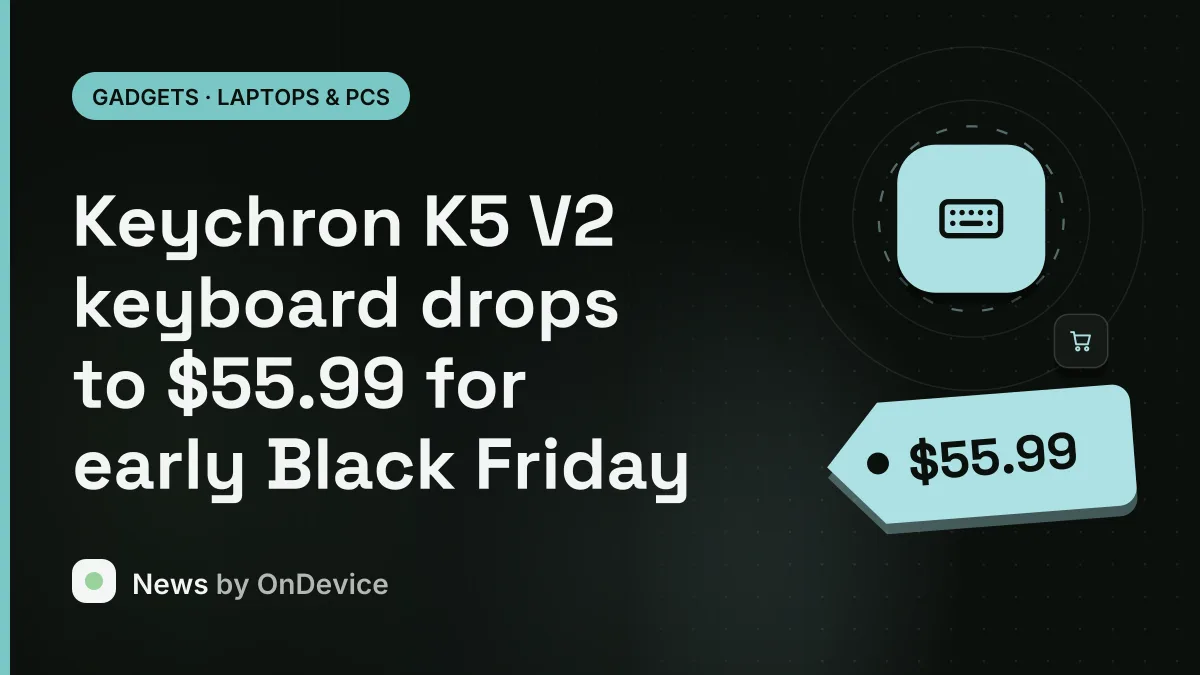
Keychron K5 V2 keyboard drops to $55.99 for early Black Friday
According to Tom's Hardware, Keychron's full-sized low-profile K5 V2 wireless mechanical keyboard is available for $55.99, its lowest price since June. The early Black Friday deal offers a tactile Brown switch layout with Bluetooth and wired connectivity.