Hotline server guide for setting up on macOS in 2026
Apple Insider explains how to host a Hotline server on a Mac, including setup steps and safety notes.

Key takeaways
- Hotline started in 1996 and used a client server model.
- Mobius and MobiusAdmin can help set up a Mac server.
- Hosts should follow local laws and content rules.
- Hotline Navigator supports macOS 11 and later.
What the project is
Apple Insider has published steps for a Hotline server on a Mac. The guide was published on 27 November 2026. The instructions cover installation, shared folders and login settings. The source notes the details are unverified.
The service is a vintage chat tool from the past. It allowed real time messaging, direct messages, message boards and file sharing. The outlet says it was an early form of chat software and a predecessor to Discord.
How the server is configured
The guide points to Mobius as a cross platform server. It can handle chat, file transfers, bulletin boards and user accounts. The team behind Hotline Navigator also made Mobius. Mac users can then use MobiusAdmin.
The app runs a setup wizard. It asks for a server name and description. It lets the host choose shared folders. It can add a server banner and login agreement.
Who may take part
The instructions may suit people who want to run an old online community. The first version arrived in 1996. It used a client server model. A tracker acted as a directory for servers.
The original clients are now dated. They may work best on older Apple systems. Hotline Navigator supports macOS 11 and later. It also supports iPadOS, iOS, Android, Linux and Windows.
What to do next
Apple Insider warns hosts to follow local laws. The guide mentions content rules, including limits on pirated material. It says servers should be operated appropriately. Hosts should also check client compatibility before use.
Sources
Spotted a mistake? See our corrections policy. Read how News by OnDevice works in our editorial policy.
Related news
More Apple news
Video colour grading software: Adobe Premiere's tools explained
Apple Insider's 2026 guide highlights Adobe Premiere's colour controls, presets and workflow features for video editors.
MacBook Neo or MacBook Air for your next computer
Apple's new MacBook Neo costs less than the MacBook Air, but the two differ in performance, memory and features.
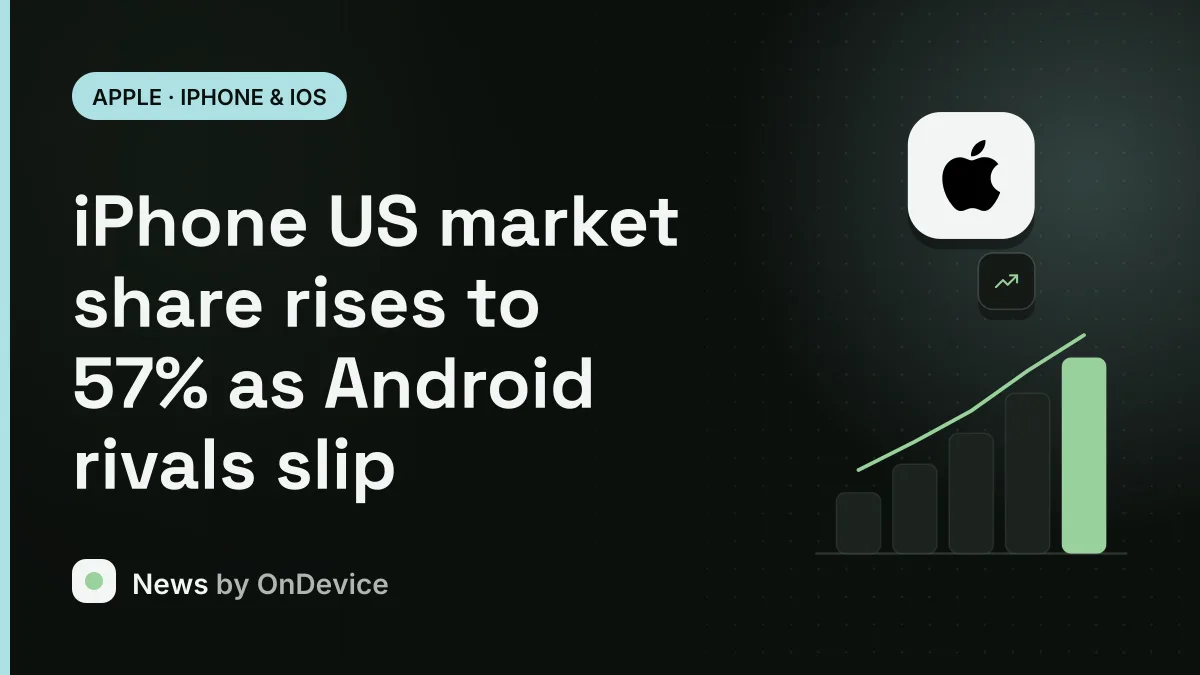
iPhone US market share rises to 57% as Android rivals slip
Apple's iPhone share of US smartphone shipments reached 57% in the third quarter, while the wider market contracted, according to Counterpoint data.
US smartphone shipments: Apple's share rises to 57% in Q3
Counterpoint Research says Apple's share of US smartphone shipments rose to 57% in Q3, while the overall US market contracted.