ChatGPT Live Dictation removes 10-minute limit for all plans
OpenAI has dropped the 10-minute recording cap on ChatGPT Live Dictation and is rolling the feature out to all plans, including free accounts, on iOS, Android, web and desktop.

Key takeaways
- The 10-minute recording cap on ChatGPT Live Dictation has been removed.
- Live text appears while speaking on iOS, Android, web and desktop.
- The feature is available to free users, though the rollout is gradual.
- Audio is kept until the chat is deleted, then removed within 30 days.
In this article
What changed
OpenAI has removed the 10-minute limit on ChatGPT Live Dictation. Words now appear on screen while a person speaks, instead of waiting until the recording ends. According to Notebookcheck, the feature is coming to every ChatGPT plan on iPhones, Android devices, web browsers and the desktop application. It includes free accounts. The rollout began after release notes dated 18 November 2026 and is gradual, so some users may not see it yet.
How dictation works now
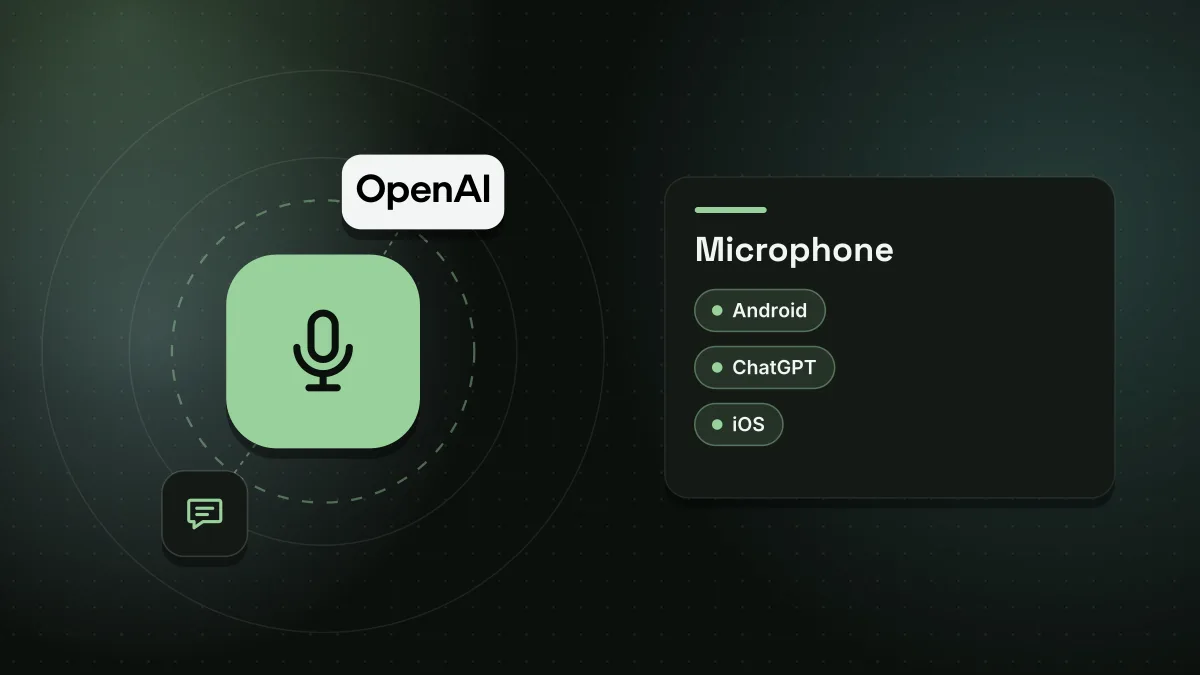
Users tap the microphone icon in the message box. This is separate from voice mode, where ChatGPT speaks back. A waveform button shows or hides the live text. When speaking stops, the written text shows up in the message box and can be edited before it is sent. The old 10-minute cap meant longer recordings were cut off, which made the tool hard to use for long notes, detailed prompts or emails.
Privacy and data controls
Audio is sent to OpenAI and transcribed on its servers. The recording is kept until the chat is removed from the user's history. Deleting a chat removes the audio within 30 days, except for clips kept for security or legal reasons or clips already separated from an account for training. OpenAI says it only trains on dictation audio if a consumer user has chosen to share audio to improve models. Its FAQ states that it may train on audio from dictation in that case.
Who is affected and what to do
Text transcripts are treated as normal messages, so the general Improve the model for everyone setting applies to them. For personal Free, Plus and Pro accounts, data sharing is turned on by default. Business accounts are excluded by default. Both controls are in Settings under Data controls. The Include your audio recordings switch stops audio sharing for dictation and voice chat. Disabling Improve the model for everyone keeps chats out of training while leaving history intact. Google recently made a comparable change by separating Gemini history from AI training, though it now keeps chats longer.
Sources
Spotted a mistake? See our corrections policy. Read how News by OnDevice works in our editorial policy.
Related news
More AI news
Google redesigns homepage with Gemini AI search sidebar
Google has added a collapsible sidebar to its Gemini AI search mode that shows recent queries. The change comes despite user complaints and financial pressure on the company's AI ambitions.

OpenAI tests ChatGPT Plus dots and expands Business access
OpenAI has begun testing ChatGPT dots with a small group of ChatGPT Plus subscribers, according to 9to5 Mac. The report says the feature is also reaching more Business users after earlier launches for Pro, Business Premium and Enterprise plans.
Anthropic IPO: seven founders cash out nearly $2 billion
The artificial intelligence company raised $81.3 billion in its stock market debut, with Amazon and Google together taking a 28% stake.
Google homepage redesign adds Gemini sidebar with chat history
Google is revamping its desktop Search homepage around Gemini, with AI shortcuts under the search bar and a sidebar holding past conversations. Robby Stein says the rollout is global.